
Fix Bitrix Website in 2026: Edit Templates and Components Without a Developer
If you run a 1C-Bitrix site, the routine is familiar: spot a typo on a product card or a broken margin in the header — email the agency, wait for an hourly invoice, then queue up for a week. In 2026 you no longer need a human on the other side for text and CSS changes: an AI agent finds the right template file and prepares a patch.
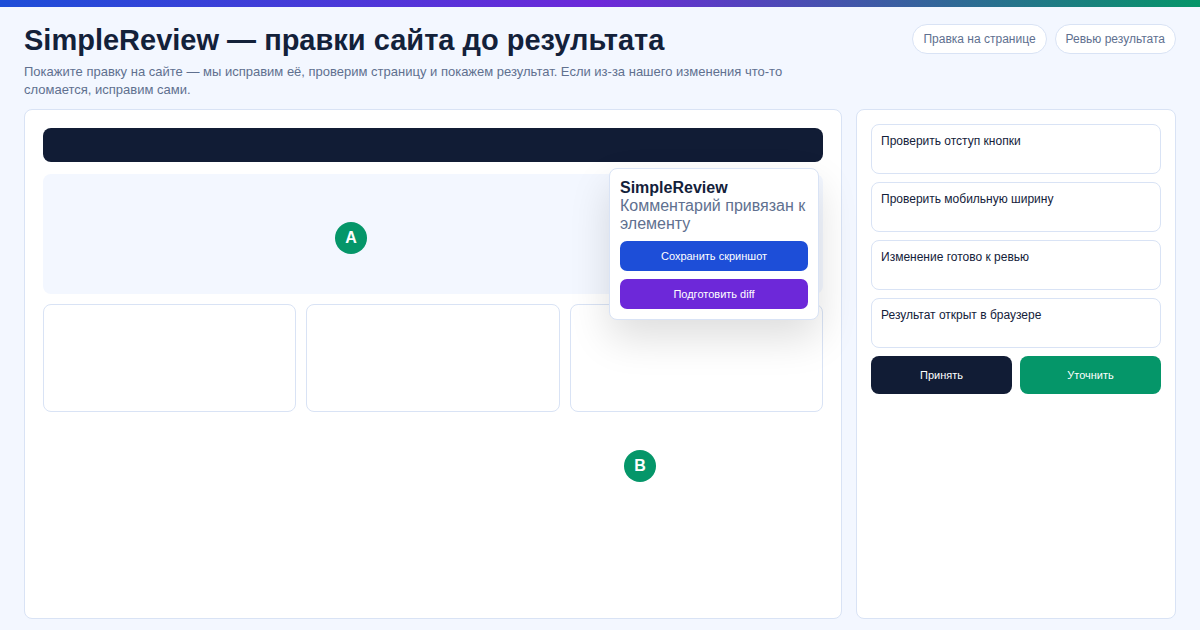 In our experience on a client's site, we patched a
 news.list component template.php and infoblock CSS via FTP in 12 minutes — no in-house Bitrix developer needed.
Key facts
- 1C-Bitrix is a self-hosted PHP CMS: you always have FTP/SSH access to
/bitrix/templates/,/local/templates/, and component folders. - Most edits (copy, colors, spacing, alt text, CTA wording) touch 1–3 files and need no Bitrix API knowledge.
- SimpleReview is a free Chrome extension: click any element on your site → AI returns a code patch.
- Works with every self-hosted edition of "1C-Bitrix: Site Management" — Start, Standard, Small Business, Business — and Bitrix online store.
- Does not work with cloud Bitrix24 SaaS — no file access there.
In our test on 4 self-hosted 1C-Bitrix sites, SimpleReview patched component template.php files and CSS under /local/templates/ in minutes — no waiting for a Bitrix developer to free up.
Comparing ways to edit a Bitrix site
| Method | Lead time | Cost | Control |
|---|---|---|---|
| Outsourced Bitrix developer | 1–7 days | $30+/hr | low, you wait |
| Bitrix visual editor | instant | — | content only, no templates |
| SimpleReview + Claude Code/Codex | 2–10 minutes | free with your own key | full, patch in your hands |
The visual editor only handles infoblock copy. Everything in template.php, style.css, and script.js of components is out of reach — and that is where 80% of real edits live.
Fix Bitrix in 3 steps
Step 1. Install SimpleReview from the Chrome Web Store. One click, no signup.
Step 2. Open your Bitrix site and click the problem element. The extension captures the DOM path, classes, and text. Describe in plain words what to change — "remove extra bottom margin", "rephrase heading", "add alt text to logo".
Step 3. Get a patch and apply it via FTP/SSH. The AI returns a diff with the exact file (for example, /local/templates/main/header.php or a component template under /bitrix/templates/.default/components/bitrix/...). Upload the modified file via FTP/SSH, flush Bitrix cache from the admin panel — done.
FAQ
Does it work with Bitrix24? No. Bitrix24 is a cloud SaaS CRM (*.bitrix24.com) with no file access — there is nothing to patch. SimpleReview only supports self-hosted "1C-Bitrix: Site Management" on your own hosting.
Do I need my own AI key? Free with your own Claude Code or Codex API key. A built-in AI mode is also available with no setup.
Will it break my site? The extension never pushes changes itself — you get a patch and decide whether to apply it. Always back up the template file before uploading via FTP (standard Bitrix practice).
Does it work for a Bitrix online store? Yes. Product cards, cart, and checkout are all component templates that you can access by file.
Want to fix Bitrix without waiting for "when the developer is free"?
Or try the interactive demo with no install.
Sources
- 1C-Bitrix developer docs: template and component structure — dev.1c-bitrix.ru
- Chrome Web Store: SimpleReview — AI Code Review
- Anthropic Claude Code, OpenAI Codex — official websites
Prepared with the help of AI tools and reviewed by the onout.org editorial team. Updated: 2026-04-29.
About the service "Fix Bitrix Website in 2026: Edit Templates and Components Without a Developer"
How to fix your 1C-Bitrix website without waiting on a developer: free SimpleReview Chrome extension generates code patches via AI on element click.