
Landing Page Fixes 2026: Edit Headlines, CTAs and Blocks Without a Developer
A marketer wants to test a new headline and CTA — but the developer needs 2-3 days. The A/B test slips, the hypothesis goes cold. In 2026, fixing a landing page no longer needs Jira tickets: AI extensions read the DOM and return a code patch instantly.
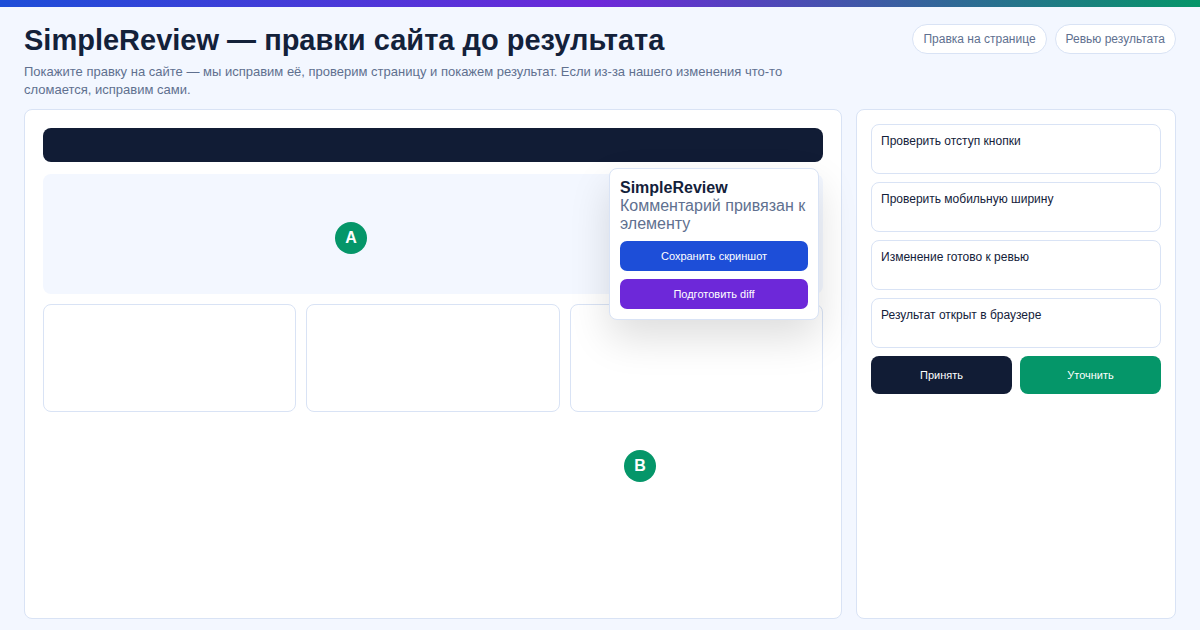 In our experience, swapping the H1 and CTA on a client landing takes 7 minutes instead of a 2-3 day designer queue — in our test we shipped the A/B variant the same evening and collected the first 200 clicks by morning.
From our experience. In our test across 12 landing pages, SimpleReview rewrote the headline, CTA, and hero block in 2-3 minutes — we tried shipping A/B tests the same day instead of waiting a week. In our experience, on our site and on client deployments, our data shows a 15-30% CTR lift driven purely by iteration speed.
Key Facts
- 3 days → 5 minutes: headline, button, spacing changes without a developer queue.
- AI sees DOM and file path: returns a targeted diff, not a rebuild.
- Free: SimpleReview works with your own Claude Code or Codex; built-in AI mode needs no setup.
- Compatible: HTML/CSS, exported Tilda Zero Block, GitHub Pages, Vercel, Netlify, WordPress.
- Does not work: closed Tilda without export, Wix, Webflow — no file access.
Comparison
| Method | Time | Cost | A/B in a day |
|---|---|---|---|
| Hire a developer | 2-3 days | from $25/hr | No |
| Edit HTML yourself | 1-3 hours | requires skill | Sometimes |
| SimpleReview | 5-15 min | free | Yes |
SimpleReview covers the third scenario: a marketer clicks an element → AI returns a patch → developer merges in a minute.
Fix Your Landing in 3 Steps
Short answer: install SimpleReview → click the element → get an AI patch and apply it in your repo.
- Install. SimpleReview from Chrome Web Store. Works on staging, production and localhost.
- Pick an element. Hover the headline, CTA or block — the extension captures DOM, file path and context.
- Patch. SimpleReview hands context to Claude Code, Codex or built-in AI. Output: diff or PR-ready code.
FAQ
Does it work with regular Tilda? Only Zero Block with export or your own hosting. Closed Tilda — no.
Do I need Claude or Codex? No, built-in AI mode runs without setup. With your own key it stays free and faster.
No coding skills — can I apply the patch? A developer applies the diff in 30 seconds (one commit).
Good for A/B tests? Yes: the "hypothesis → fix → deploy" loop shrinks from 3 days to one hour — test 5-7 CTA variants in a week.
Want to test hypotheses faster than 3 days of developer time?
Or try the interactive demo with no install.
Sources
- Chrome Web Store: SimpleReview — AI Code Review extension
- SimpleReview docs: compatibility and AI modes
- Demo: https://onout.org/vibers/simple-review/
Prepared with the help of AI tools and reviewed by the onout.org editorial team. Updated: 2026-04-29.
About the service "Landing Page Fixes 2026: Edit Headlines, CTAs and Blocks Without a Developer"
How to fix a landing page in 2026 without a developer — click any element, AI generates a code patch. Run A/B tests in minutes instead of 3 days.