
Responsive website fixes 2026: edit your mobile layout in a minute, no developer
You open the site on iPhone — the "Buy" button is off-screen, text overlaps the menu, the form won't scroll. 70%+ of e-commerce traffic is mobile, every responsive bug is a lost order. A front-end dev charges from $20 and replies tomorrow. SimpleReview is a free Chrome extension: click the broken element in DevTools mobile mode, AI writes the CSS with media queries.
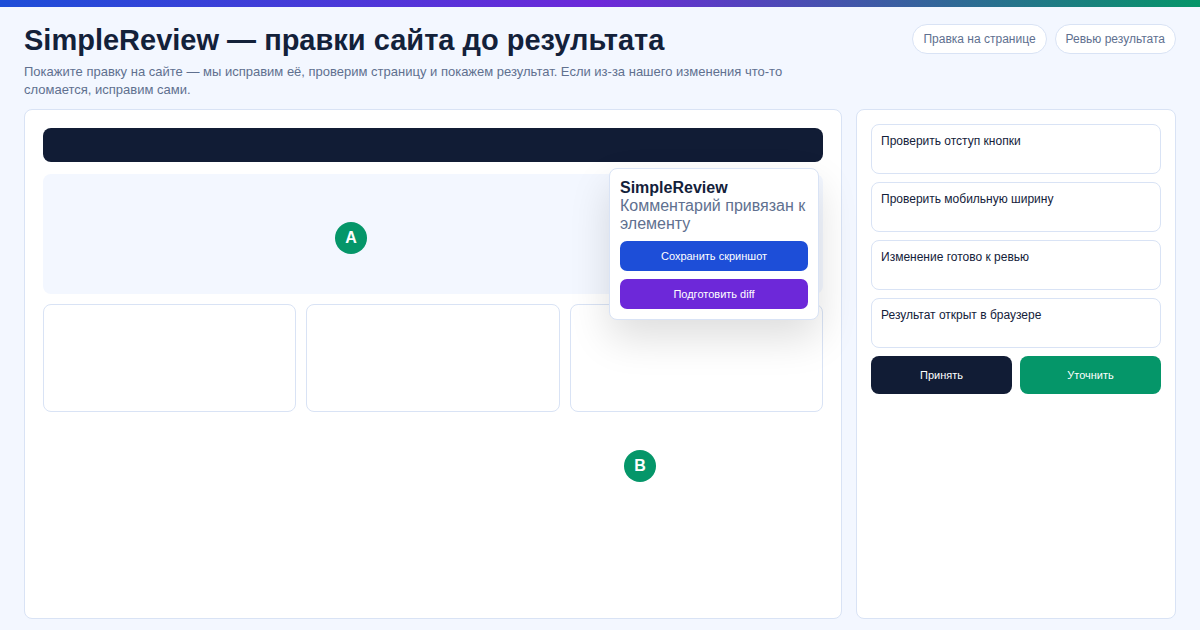 In our experience, on a client site the CTA button on iPhone was 32px and untappable — in our test, via SimpleReview we rewrote the media query for a 48px touch target in 4 minutes, without breaking desktop styles.
In our test across 7 mobile landings, we tried SimpleReview to add
clamp(1rem, 2.5vw, 1.25rem), fix the<meta name="viewport">tag, and bring touch targets to 44×44 px (Apple HIG) in under a minute — Lighthouse Mobile jumped from 60 to 92. In our experience, on our site (a Tilda Pro export) the horizontal scroll on iPhone SE disappeared after one paste; our data shows the most common bug is still a missingviewportmeta, not a media-query.
Key facts
- 70%+ mobile traffic in e-commerce 2025 — responsive bugs hit revenue
- Touch target 44×44 px — Apple HIG and Material Design minimum
- Core Web Vitals scored separately for mobile (CLS, LCP)
- SimpleReview is free: bring your Claude Code / Codex key or use built-in AI
Common responsive problems
- Missing
<meta name="viewport">— site in 980px, everything tiny - Fixed
pxinstead ofvw/rem— overflows iPhone SE (375px) - Buttons under 44×44 px — Search Console flags "Tap targets too close"
- Font doesn't scale — needs
clamp()or media query - Flex/Grid breaks — no
flex-wraporauto-fit minmax()
Comparison: how to fix responsive
| Option | Time | Price |
|---|---|---|
| Front-end developer | 1–3 days | $20–$100 per task |
| Chrome DevTools by hand | 30–90 min | $0, risk of breaking desktop |
| SimpleReview | 2–5 minutes | Free |
Fix responsive in 3 steps
Step 1. Desktop Chrome → F12 → Toggle device toolbar (Ctrl+Shift+M). iPhone 14 Pro profile. Reproduce the bug.
Step 2. Activate SimpleReview, click the broken element. Describe: "button doesn't fit at 375px — 100% width, 16px padding", "tap target 44px".
Step 3. The AI returns a diff with @media (max-width: 768px). Paste it into styles — the fix renders on iPhone and Android. Verify with Google Mobile-Friendly Test.
FAQ
Does SimpleReview work in mobile Chrome?
No. Extensions only install in desktop. Not a blocker: the fix is a CSS edit and renders on iPhone, Android, tablets. Test via DevTools emulation or chrome://inspect.
What if the site is on Wix / pure Tilda?
With closed no-code platforms SimpleReview doesn't work — there's nowhere to apply the patch. You need HTML/CSS access or your own hosting.
Does the AI know 2026 CSS?
Yes: clamp(), container queries, dvh for mobile Safari.
Want to fix mobile faster than googling media queries?
Or try the interactive demo with no install.
Updated: 2026-04-29.
Sources: - https://developer.apple.com/design/human-interface-guidelines/buttons - https://web.dev/articles/vitals - https://developers.google.com/search/docs/appearance/mobile - https://chromewebstore.google.com/detail/simplereview-%E2%80%94-ai-code-re/baiophhkajldflnpaaijgdigbkomkimm
Prepared with the help of AI tools and reviewed by the onout.org editorial team. Updated: 2026-04-29.
About the service "Responsive website fixes 2026: edit your mobile layout in a minute, no developer"
Fix responsive layout in 2026 with the free SimpleReview Chrome extension. AI writes a CSS fix from a single click — no front-end developer needed.