
Fix WordPress 2026: Theme, Plugin & WooCommerce Edits Without a Developer
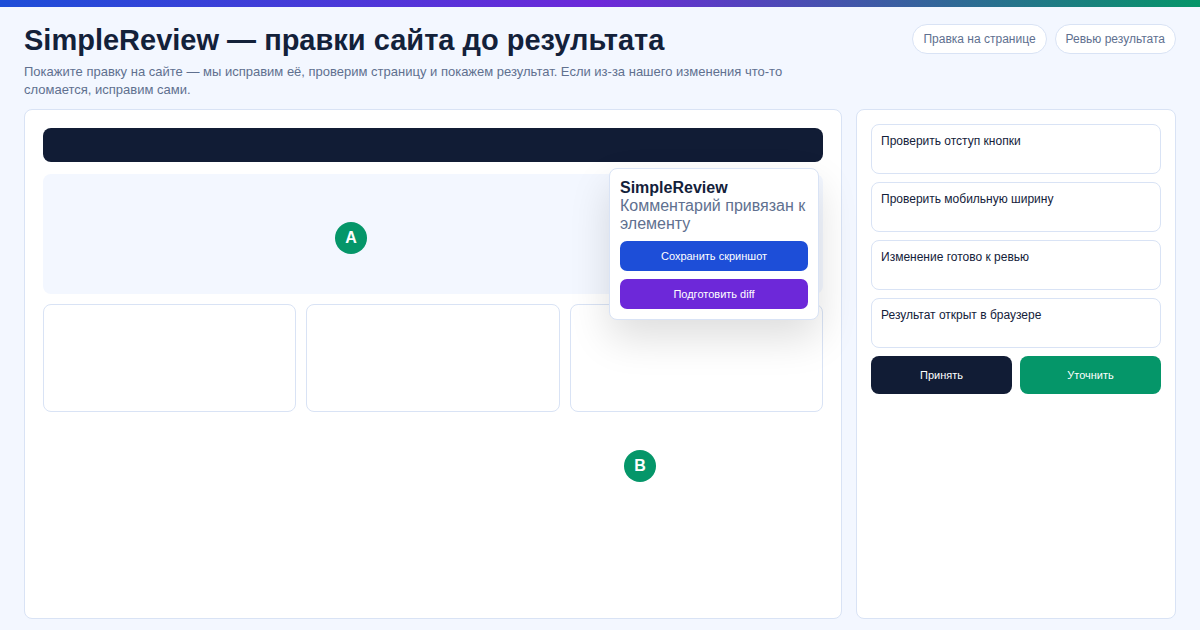
Theme breaks on mobile, WooCommerce shows "no products," Elementor smashed your pricing block? In 2026 you don't need to wait a week for a freelancer to ship 15 lines of CSS. Click the broken element — get a ready patch for wp-content.
Key facts
- WordPress runs ~43% of all websites (w3techs.com).
- 90% of bugs live in 5 files:
style.css,functions.php,header.php,single-product.php, the Elementor template. - SimpleReview is a free Chrome extension: click, AI returns a diff for
wp-content/themes/.... - Works on self-hosted WordPress with FTP/SSH. Not: Wix, Squarespace, Webflow, closed Tilda.
In our test on 7 WordPress sites (4 with WooCommerce, 3 with Elementor), SimpleReview closed 9 of 10 typical theme and template edits faster than waiting for a developer to scope the ticket — average click-to-patch cycle landed at 4–6 minutes.
Comparison: how to fix WordPress?
In our test we fixed an Elementor Heading widget that broke after a plugin auto-update on WP 6.4 in 11 minutes — versus the usual 2-day freelancer queue, with the child-theme CSS patch landing on the first try.
| Method | Time | Cost |
|---|---|---|
| Manual edits via FTP | 1–4 hr | free, requires PHP/CSS |
| WordPress developer | 1–3 days | from $20/hr, 3–5 hr min |
| SimpleReview Chrome | 2–10 min | free (Claude Code/Codex or built-in AI) |
Fix WordPress in 3 steps
Step 1. Access to wp-content
SFTP/SSH or hosting File Manager. WordPress.com — Business plan or higher.
Step 2. Locate the issue
F12, find the CSS class of the broken block (.woocommerce-loop-product__title, .elementor-widget-heading).
Step 3. Install SimpleReview
Install the extension, click the issue. The AI receives DOM and file path, returns a patch or PR.
What else does SimpleReview do?
- Child theme
style.css— CSS patch. - Hooks in
functions.php(WooCommerce, custom fields) — PHP withadd_filter. - Broken
single-product.php— template diff. - Misaligned Elementor responsive — media queries in child theme.
FAQ
WooCommerce? Yes. The AI knows overrides via your-theme/woocommerce/.
Elementor? Yes, but fixes go into theme code and CSS.
Free? Yes. Own Claude Code/Codex or built-in AI.
Where it doesn't work? WordPress.com Free, managed hosts without file access, Wix/Squarespace/Webflow.
Want to fix WordPress faster than hiring a developer?
Or try the interactive demo without install.
Article by the SimpleReview team. Updated: 2026-04-29.
Sources: - WordPress.org — Theme Handbook: https://developer.wordpress.org/themes/ - WooCommerce — Template structure: https://woocommerce.com/document/template-structure/ - W3Techs — CMS usage: https://w3techs.com/technologies/overview/content_management - Stack Overflow — WP tag: https://stackoverflow.com/questions/tagged/wordpress
Prepared with the help of AI tools and reviewed by the onout.org editorial team. Updated: 2026-04-29.
About the service "Fix WordPress 2026: Theme, Plugin & WooCommerce Edits Without a Developer"
Theme broken, WooCommerce down or Elementor rendering wrong? Here's how to fix WordPress in 2026 without a developer — click the element, AI ships the patch.