
LMS for Corporate Training 2026: What You're Actually Paying For (and Shouldn't Be)
An HR director I spoke with last year was paying $620/month for an enterprise LMS. When I asked her which features they actually used, she listed seven: course uploads, video playback, quiz builder, completion tracking, certificates, email notifications, and user management. Everything else — the webinar room, the SCORM marketplace, the gamification badges, the social learning feeds — sat unused.
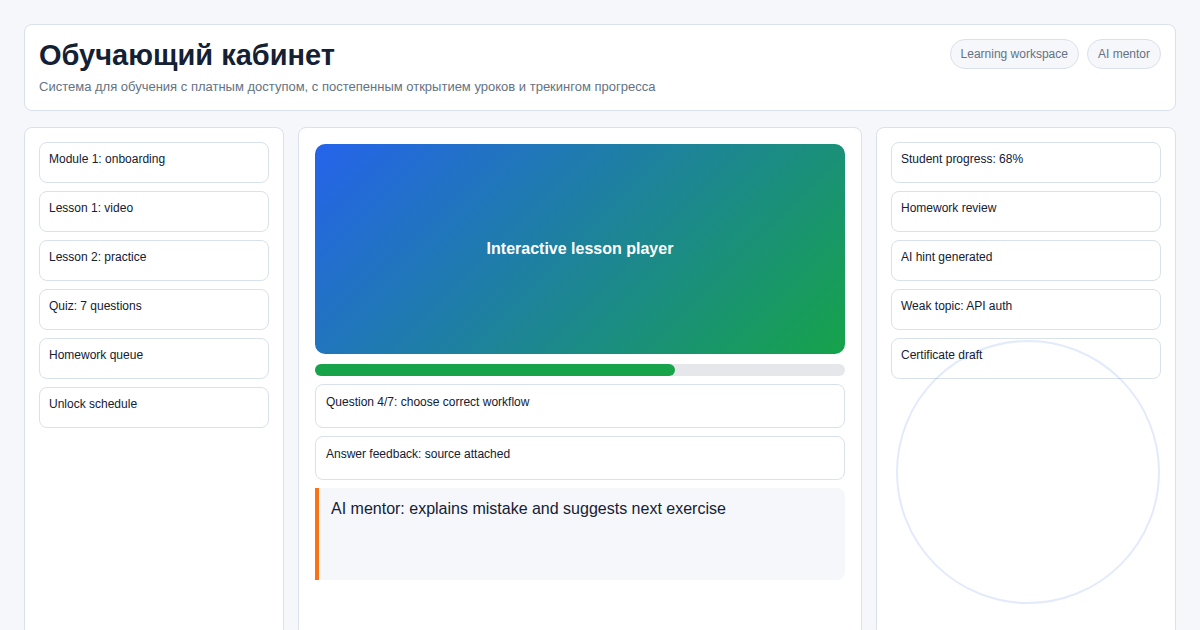 That's a $620/month platform doing the job of a $60/month one.
Corporate training has specific requirements that most enterprise LMS platforms overshoot. This is why standalone corporate LMS solutions are growing: you pay for exactly what you need, nothing else.
Key facts
- Standalone corporate LMS costs from $350 one-time vs. $300–800/mo for enterprise SaaS
- Built-in invite system: HR sends a department link — employee lands directly in the right training program, no manual assignment
- Custom analytics dashboards aligned to company KPIs, not vendor-defined template reports
- AI agent on the server: HR can request reports and content updates in plain language
- Full integration with SAP HR, BambooHR, and other HR systems via REST API
In our test of the custom corporate cabinet, the most valuable HR workflow was not SCORM import. It was the simple report: who missed the mandatory module deadline, by department, with timestamps exportable for management.
Enterprise SaaS LMS vs. Standalone: What You're Actually Comparing
| Feature | Enterprise SaaS LMS | Standalone LMS |
|---|---|---|
| Cost (500 employees) | $300–800/mo | $60/mo (hosting) |
| SCORM content marketplace | Included (rarely used) | Not included (not needed) |
| Gamification, social learning | Included (rarely used) | Not included (not needed) |
| Drip content unlock logic | Basic (time-based only) | Flexible: by date, test score, manager approval |
| Performance analytics | Vendor template reports | Custom dashboards per department KPI |
| Invite system for onboarding | None or limited | Built-in: links tied to department + program |
| HR system integration (SAP, BambooHR) | Enterprise tier only | Included via REST API |
| Per-user pricing | Yes (scales expensively) | No (flat hosting cost) |
The per-user pricing model is the critical difference at scale. Enterprise SaaS platforms typically charge per seat — at 500 employees you're already in the $300–800/mo bracket. At 2,000 employees, the same platform jumps to $1,500–3,000/mo. A standalone LMS has a flat hosting cost that doesn't scale with headcount.
The Invite System: Why It Matters for Corporate Onboarding
The single most-requested feature in corporate LMS implementations is automated onboarding enrollment.
The typical enterprise SaaS workflow: HR creates a user account, assigns the new employee to a department group, manually enrolls them in the onboarding program, sends login credentials. This takes 10–15 minutes per employee. At 50 new hires per month, that's a significant HR burden.
Our invite system works differently: 1. HR generates a department-specific invite link once 2. New employee clicks the link, registers in 60 seconds 3. The system automatically enrolls them in all programs assigned to that department 4. They receive their login credentials immediately
The link is reusable and can be embedded in an onboarding email template or HR software. Zero manual enrollment per new hire.
Analytics That Actually Help Managers
Generic LMS reports show: who enrolled, who completed, average quiz score. This tells a manager that training happened. It doesn't tell them whether it had any impact.
Our custom dashboards can surface: - Completion rate by department: which team is falling behind, not just individual numbers - Knowledge retention: quiz score before training vs. 30-day retention quiz - Bottleneck identification: which specific lesson or quiz has the highest drop-off rate - Compliance status: who has completed mandatory certifications, who is overdue - Time investment: average time to complete per module, to identify unexpectedly difficult content
These dashboards are configured based on what the company actually measures — not on what the LMS vendor decided to track.
AI Agent: Corporate Training Without a Helpdesk Ticket Queue
In 2026, our LMS deployments include an AI agent on the server. For HR teams, this changes the day-to-day management experience significantly:
- "Generate a compliance report for the Security Training module for Q1 2026, by department"
- "Add these 3 new lessons to the Onboarding track before the existing lesson 4"
- "Send a reminder to everyone in the Sales department who hasn't completed Module 2 yet"
- "Create a new invite link for the Customer Service team that expires in 30 days"
These requests are handled by the AI agent directly. No developer involvement, no support ticket. For HR teams without technical resources, this is the difference between managing the platform independently vs. being dependent on IT for every change.
Integration with HR Systems
Corporate LMS platforms need to communicate with HR infrastructure. Our standalone LMS includes a REST API layer for:
Data in (from HR system to LMS): - New employee enrollment (triggered by HR system on hire) - Department/team assignments (sync on org chart changes) - Training mandate updates (new compliance requirement triggers automatic assignment)
Data out (from LMS to HR system): - Completion records (triggers next onboarding step in HR workflow) - Certification status (feeds compliance dashboards) - Assessment scores (can feed into performance review systems)
Tested integrations: SAP SuccessFactors, BambooHR, Workday (via API). Any HR system with REST API or webhook support can be connected.
3 Steps to Launch a Corporate LMS
Step 1. Training map We document programs by department: onboarding, upskilling, compliance certification. Each program is a sequence of lessons with defined completion rules. We audit your existing training materials — typically 60–70% can be migrated directly.
Step 2. Roles, access, and invite system Configure three role tiers: admin (full access), department manager (team analytics + content assignment), employee (assigned courses only). Set up department invite links for automated enrollment.
Step 3. Analytics configuration and launch Configure dashboards aligned to your KPIs. Set up HR system integration. Run a pilot with one department, gather feedback, then roll out company-wide. Full deployment typically takes 2–3 weeks.
FAQ
Can it integrate with SAP HR or BambooHR? Yes. The REST API sends completion events, certification status, and assessment scores to HR systems automatically. Configuration takes 1–3 days depending on the HR system.
How do new employees get assigned to courses? Via the department invite link — they register once and courses are assigned automatically. HR can also manually assign or override from the admin panel.
Does it work for distributed or remote teams? Yes. The web interface works from any device, any location, without VPN. Video content is streamed; offline access can be added with download-to-app functionality.
What about compliance tracking for regulated industries? Completion records with timestamps are stored in the database and exportable for audit purposes. For financial services, healthcare, or other regulated sectors, we can add additional audit trail features.
Is there a mobile app? The web interface is mobile-responsive. A native iOS/Android app is available as an add-on for teams with limited browser access.
Running corporate training on an overpriced platform? Let's calculate your actual cost. Message on Telegram: @onoutnoxon — I'll show you what a standalone solution costs for your headcount.
Compare SaaS vs custom platform costs →
Expert learning cabinet for solo instructors →
Sources
- https://www.ispringsolutions.com/ispring-learn/pricing
- https://www.talentlms.com/prices
- https://brandonhall.com/
Prepared with AI assistance and reviewed by Alexander Ruin for onout.org. Updated: 2026-05-01.
About the service "LMS for Corporate Training 2026: What You're Actually Paying For (and Shouldn't Be)"
LMS for corporate training: employee progress tracking, department-based invite system, custom KPI dashboards, certification. No user limits. Standalone from $350.