
AI Voice to Text App for Windows 2026: Clean Dictation for Real Work
Built-in dictation is useful for short, simple sentences. It becomes frustrating when you dictate technical work: API names, code terms, product names, task descriptions, and messages that mix languages or jargon. The practical problem is not only speech recognition accuracy. The bigger issue is cleanup: a raw transcript still contains false starts, filler words, awkward punctuation, and terms that need to be normalized before the text is useful.
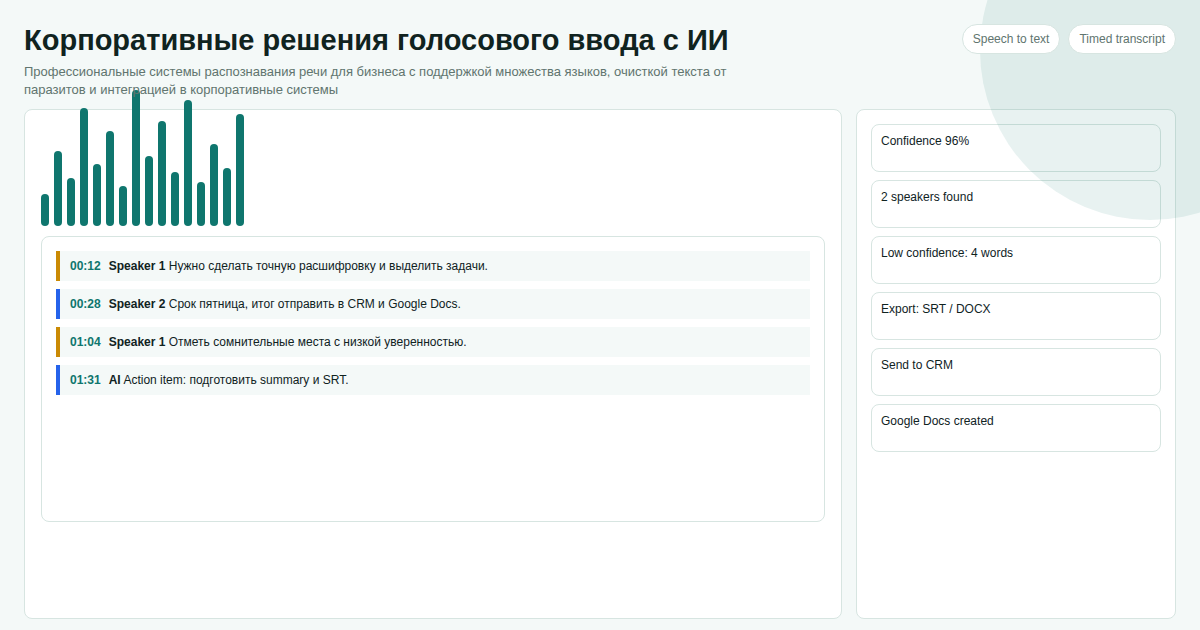 This AI-assisted voice-to-text app is designed around a simple work pattern: press a hotkey, speak naturally, release or pause, and get a cleaned text version pasted into the active application. In our experience, that cleanup step is what turns dictation from a novelty into something people can use every day.
Key takeaways
- A custom hotkey starts recording from any app: IDE, browser, CRM, messenger, notes, or terminal.
- Speech is transcribed first, then cleaned by an AI pass before it reaches the target field.
- Mixed technical language works better than standard dictation because terms can be preserved instead of phonetically rewritten.
- The output can be pasted into the active window, copied to the clipboard, saved to history, or sent through an integration.
What the App Actually Does
The app listens through the microphone, detects when the speaker has finished, transcribes the audio, and runs a cleanup step before insertion. That cleanup step is the part that makes it useful in daily work.
Instead of pasting a raw transcript like:
um can you add a null check to get user by id and maybe send the error to sentry
it can return:
Add a null check to getUserById and send the error to Sentry.
The goal is not to replace writing everywhere. It is to remove friction in the places where speaking is faster: prompts for AI tools, short technical notes, issue comments, CRM updates, support replies, and internal messages.
Core Workflow
| Step | What happens | Why it matters |
|---|---|---|
| Press hotkey | Recording starts globally | No need to switch apps or open a separate window |
| Speak naturally | The microphone stream is captured | You can think out loud instead of dictating in perfect prose |
| Pause or release | Recording stops automatically or manually | Short commands and longer notes both work |
| AI cleanup | Filler words and obvious transcript leftovers are removed | The text is closer to something typed by hand |
| Paste or copy | Output goes to the active field or clipboard | It works inside existing workflows |
Typical hotkeys are Ctrl+Shift+Space, Win+Q, or another combination that does not conflict with the user's tools. Escape can cancel a recording before anything is pasted.
Where It Helps Most
Developers and technical teams. Voice is useful for prompts, bug reports, commit notes, code review comments, and task descriptions. Technical terms such as API, JSON, Docker, Sentry, OAuth, and method names should survive the dictation process.
Managers and operators. Many business updates are faster to speak than type: CRM notes after a call, internal status updates, customer follow-ups, meeting summaries, and short instructions to a team.
Teams working across languages and tools. A real sentence often mixes business language, product names, and technical terms. The app can be configured to preserve the vocabulary that matters for a specific company or workflow.
Implementation Details for a Custom Build
A production version usually includes:
- Global hotkey handling for Windows.
- Microphone capture with voice activity detection.
- Speech-to-text API integration.
- AI cleanup prompt tuned to the user's vocabulary.
- Clipboard and active-window paste modes.
- Local history of recent dictations.
- Optional file transcription for WAV or MP3 recordings.
- Settings for language hints, microphone sensitivity, and output style.
For company use, the cleanup rules can be adapted. A sales team may need shorter, polished customer notes. A developer may prefer keeping exact casing for identifiers. A support team may want a polite tone but no added facts.
Limits to Plan For
Speech-to-text is still sensitive to microphone quality, background noise, and unusual names. The right implementation should make failures easy to recover from: cancel before paste, review from clipboard, keep recent history, and allow quick reprocessing when a transcript is close but not correct.
Privacy also matters. Some teams are comfortable with cloud speech APIs; others need stricter routing, logging controls, or a self-hosted component. That choice should be made before the build, not after people start dictating customer or internal data.
When This Is Better Than Built-In Dictation
Use a custom AI voice-to-text app when dictation is part of work, not an occasional accessibility shortcut. The strongest cases are technical writing, mixed-language communication, repeated CRM notes, prompt writing, support workflows, and any process where a rough transcript still requires manual cleanup.
If a person dictates one sentence a week, the built-in tool is enough. If a team writes many short operational messages every day, the AI cleanup and app integration become the value.
FAQ
Does this replace Windows Voice Typing?
For simple sentences, Windows Voice Typing may be enough. A custom AI voice to text app is useful when you need a configurable hotkey, technical vocabulary, cleanup rules, and integration with existing work tools.
Can it work without pasting directly into the active window?
Yes. A safer first version can copy the cleaned text to the clipboard and keep a local history. Direct paste can be enabled after the team is comfortable with the output quality.
Can the cleanup style be changed?
Yes. The AI cleanup prompt can be tuned for concise notes, polished customer replies, developer comments, or strict transcript correction with no rewriting.
Development scope and pricing depend on the required integrations, privacy model, and deployment environment. Contact via Telegram: @onoutnoxon and describe where the dictated text should go.
Learn more: AI voice-to-text product page.
Updated: 2026-04-15
Sources: - https://support.microsoft.com/en-us/windows/use-voice-typing-to-talk-instead-of-type-on-your-pc-fec94565-c4bd-329d-e59a-af033fa5689f - https://learn.microsoft.com/en-us/windows/apps/design/input/speech-recognition
About the service "AI Voice to Text App for Windows 2026: Clean Dictation for Real Work"
AI voice-to-text app for Windows with a custom hotkey, mixed-language speech recognition, filler-word cleanup, clipboard mode, and active-window paste.