
WhatsApp Bulk Messaging Without Ban 2026: consent before scale
An official WhatsApp Business API account does not make cold outreach acceptable. WhatsApp permits a business to contact a person only after the person has provided a phone number and opted in to subsequent messages. For advertising directed at recipients in Russia, prior consent is also required by Article 18 of the Russian Advertising Law. An unsubscribe link is necessary, but it does not replace consent before the first campaign.
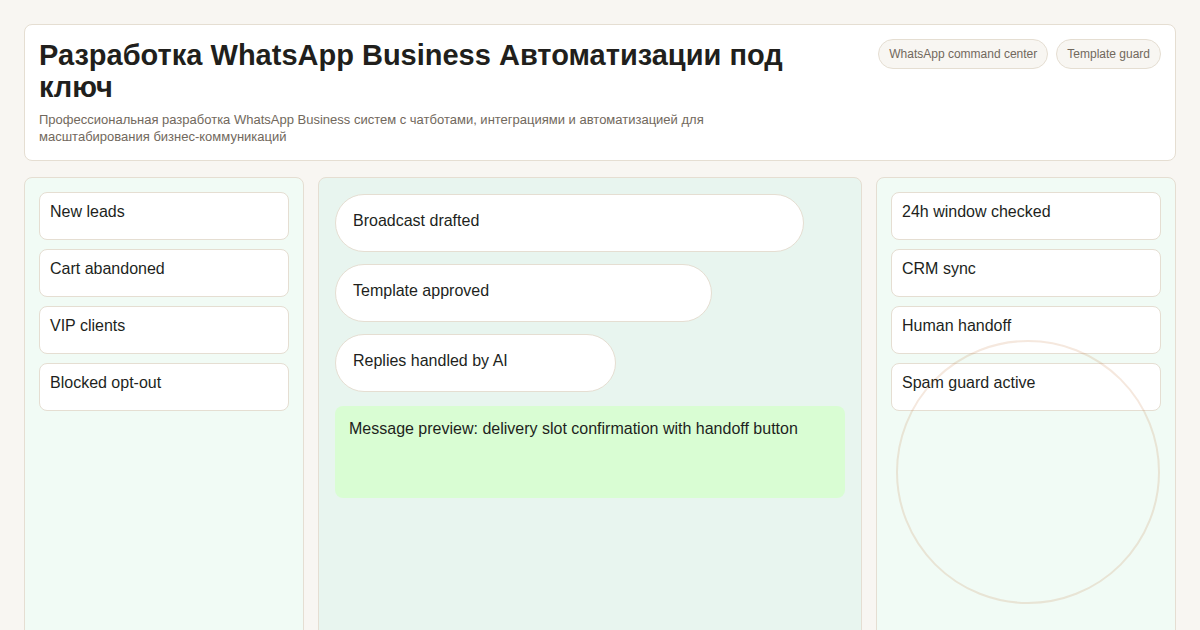 The reliable approach is operational, not promotional: define message categories, collect category-specific consent, preserve evidence, use approved templates, and stop all messages after an opt-out.
Key facts
- The recipient must provide a phone number and opt in to the relevant message category
- Consent evidence should include the wording, timestamp, source, recipient identifier, and form version
- Service notifications and marketing should use separate consent records
- Opt-out requests made in any channel must update one shared suppression list
What a compliant setup contains
Consent register. Store what the person agreed to, when and where they agreed, and which categories they accepted. A privacy-policy checkbox is not automatically marketing consent.
Template register. Business-initiated conversations use approved templates for their stated purpose. Transactional consent should not be reused for promotions.
Suppression list. A stop request in WhatsApp, email, a website form, or support must prevent further sending across every integration.
Why third-party bulk tools increase risk
Browser automation, unofficial API wrappers, purchased lists, and scraped contacts usually remove the evidence needed to prove consent. They also bypass the controls that should stop a message after an opt-out. An official provider is necessary, but it does not cure an unlawful contact list.
The Official Path: WhatsApp Business API Setup
Step 1: Define lawful message categories
Separate order updates, support, authentication, and marketing. Document the legal basis, consent wording, retention period, and opt-out method for each category.
Step 2: Connect through the official platform
Complete business verification and connect through the official WhatsApp Business Platform or an authorized provider. Confirm data-processing roles, storage locations, and cross-border transfers before uploading customer data.
Step 3: Create consent and message templates
Collect explicit opt-in for the relevant categories. Preserve evidence and submit message templates for their intended purpose. Every marketing template should include a clear way to stop future messages.
Step 4: Enforce consent before every send
The sending service should check both the consent register and suppression list immediately before delivery. A campaign must fail closed when consent cannot be proven.
| Pre-send check | Required result |
|---|---|
| Consent category | Covers the planned message |
| Consent evidence | Wording, timestamp, source, and version are present |
| Suppression list | Recipient has not opted out |
| Message template | Approved for the same category |
During rollout, we test this check in the sending service rather than only in the campaign interface, so a manual import or integration cannot bypass it.
Step 5: Audit delivery and complaints
Keep campaign, template, consent, delivery, and opt-out records together. Investigate complaints before increasing volume. No sending volume can be described as risk-free.
Contact list quality and consent evidence
An official API does not make a purchased or scraped contact list lawful. Before a campaign, verify:
- Consent scope: The accepted wording covers the actual sender, channel, and message category.
- Evidence: The system can produce the wording, timestamp, source, form version, and recipient identifier.
- Segmentation: Transactional consent is not reused for promotional messages.
- Withdrawal: An opt-out received through any connected channel blocks future delivery.
If any of these checks fails, the campaign should remain blocked until the data is corrected or the recipient confirms consent again.
Frequently Asked Questions
Can I send cold outreach to people who did not opt in?
No. WhatsApp requires an opt-in, and Russian law requires prior consent for advertising delivered over telecommunications networks. An approved template and an unsubscribe option do not replace that consent.
My account was already banned. Can it be restored?
File an appeal through Meta Business Suite's account health section. Pause outgoing campaigns, identify the affected audience and templates, and correct the consent or suppression process before resuming. A new number does not fix the underlying violation.
How much does a WhatsApp Business API message cost?
Pricing depends on message category, recipient country, provider, and the current Meta tariff. Check the official pricing page before launch and avoid putting stale per-message figures into customer contracts.
What's the minimum viable setup cost?
It depends on the provider, countries, number of templates, consent source, CRM integration, and required audit trail. The estimate should separate provider charges from implementation work.
The durable setup is built around provable consent, not a promised daily volume.
We configure the official API, category-specific consent, approved templates, a shared suppression list, and delivery logs. Scope and price depend on the provider, countries, data flows, and integrations. Discuss the implementation with @onoutnoxon on Telegram.
More details about capabilities — WhatsApp Business Automation. Also read: WhatsApp Business Automation for Companies and WhatsApp Chatbot Development with AI.
Written by Alexander Ruin, founder of onout.org. Updated: July 2026.
Sources: - https://developers.facebook.com/docs/whatsapp/overview/ - https://business.whatsapp.com/products/business-platform - https://business.whatsapp.com/policy - https://www.consultant.ru/document/cons_doc_LAW_58968/646705fbd03e539982320797457fcce9c423dae7/
AI-assisted editorial update; final responsibility and review: Alexander Ruin, founder of onout.org. Updated: 2026-07-22.
About the service "WhatsApp Bulk Messaging Without Ban 2026: consent before scale"
How to use WhatsApp Business with provable opt-in, approved templates, category-specific consent, opt-out handling, and auditable delivery records.