
Local AI vs Cloud AI 2026: Privacy, Speed, and Cost Compared
Cloud AI — ChatGPT, Claude, YandexGPT — is convenient: open a browser and start working. But this convenience comes at a price: your data goes to servers abroad, requests are filtered by moderation policies, subscriptions cost $20/month or more, and availability varies by region. Local AI — Ollama, LM Studio — runs on your own hardware, works without internet, and sends zero data outside your network. In 2026, open-source models (Llama 4, DeepSeek V3, Qwen 3) have closed the gap with GPT-4o significantly. The difference is no longer about quality — it is about deployment convenience and specific use cases.
Key facts
- This page answers one concrete intent: local ai vs cloud ai.
- The useful decision is based on cost, ownership, implementation time, and operational risk.
- The 2026 update adds clearer buyer checks, practical constraints, and source-backed examples.
- Use the comparison table and FAQ before choosing a vendor or custom build.
We benchmarked the local-ai-vs-cloud-ai topic against similar pages in the catalog and kept the wording focused on implementation details instead of repeating vendor marketing claims.
TL;DR: - Cloud AI — fast start, no hardware costs, but subscriptions, censorship, and permanent dependency - Local AI — one-time hardware purchase, complete privacy, works offline and without censorship - Top open-source models in 2026 match ChatGPT-4o quality for most everyday tasks - AI Home Server — plug-and-play local AI, 300 USDT instead of an endless subscription
Cloud AI: ChatGPT, Claude, YandexGPT
Cloud services work simply: your request goes to the company's server, gets processed by a GPU cluster, and the response returns in 1–3 seconds. No setup or hardware required.
Pros of cloud AI: - Zero entry barrier — sign up and start working immediately - The most powerful models: GPT-4o, Claude 3.7 Sonnet, Gemini Ultra - Access from any device without configuration - Always up-to-date model versions
Cons of cloud AI: - Cost: ChatGPT Plus — $20/month, Claude Pro — $20/month, YandexGPT API — from 6 USDT/month - All requests are stored on company servers and may be used for model training - Censorship: OpenAI and Anthropic block certain topics via content policies - In Russia — unstable availability, often requires a VPN - Dependency: the company can change prices, ban accounts, or shut down the service
Local AI: Ollama, LM Studio
Local AI is a language model running directly on your PC or mini-server. Data never physically leaves your network. Ollama is the most popular tool: one terminal command launches a model with a REST API. LM Studio offers a graphical interface for those who prefer to avoid the command line.
Pros of local AI: - Complete privacy: data never leaves your device - No censorship: open-source models have no OpenAI moderation policies - Works without internet — on a plane, at a cabin, during regional blocks - One-time hardware cost — free to use forever after - Fine-grained control: system prompt, temperature, context window
Cons of local AI: - Requires hardware: minimum 8 GB RAM for small models, 16+ GB for quality responses - Initial setup takes time (30–60 minutes for a beginner) - Speed depends on hardware: slower than cloud on weak machines - Largest models (70B+) require professional GPU
Local AI vs Cloud AI: Comparison Table
| Parameter | ChatGPT / Claude / YandexGPT | Ollama / LM Studio (local) |
|---|---|---|
| Privacy | Data on company servers | Data only on your device |
| Response speed | 1–3 sec (depends on internet) | 2–10 sec (depends on hardware) |
| Monthly cost | $20–40/month (subscription) | 0 USDT (after hardware purchase) |
| Works offline | No | Yes |
| Request censorship | Yes (OpenAI/Anthropic policies) | No |
| Quality (2026) | GPT-4o, Claude 3.7 — top tier | Llama 4, DeepSeek V3 — near top |
| Entry barrier | Minimal | Medium (install + configure) |
| Vendor dependency | High | None |
| Russian language support | Excellent | Good (Qwen 3, DeepSeek best) |
When to Choose Local AI?
Local AI is the right choice if at least one of these applies to you:
Privacy matters. You work with legal documents, medical data, source code, or trade secrets. Sending this to the cloud is an unacceptable risk. Samsung banned ChatGPT for employees in 2023 after engineers accidentally leaked source code into the chat.
You need offline operation. Country house, business trips, travel. A local model works offline after the first download.
You want to ask anything without filters. Medical, legal, political topics — cloud AI often refuses or gives vague answers due to content policies. Local models do not censor.
You want a fixed cost. ChatGPT Plus subscription is $240/year and rising. A home mini-PC with Ollama is a one-time purchase that pays itself back in 12–18 months.
When to Choose Cloud AI?
Cloud is preferable in several scenarios:
You need the most powerful models. GPT-4o and Claude 3.7 Sonnet still outperform open-source alternatives on complex tasks: multi-step reasoning, legal analysis, complex system programming.
You don't have adequate hardware. Comfortable work with quality models (13B+) requires 16–32 GB RAM. If you only have an old laptop with 8 GB — cloud is faster.
You work with a team. ChatGPT Team / Claude business plans scale more easily to 5–50 people than deploying local infrastructure.
You need browser-based document interaction. Upload a PDF and analyze a table directly in the interface — it is more convenient in the cloud than through the Ollama API.
AI Home Server — The Best of Both Worlds
The main disadvantage of local AI is the setup complexity. Ollama requires the command line, choosing the right model for the task, and setting up a Telegram interface for convenient chat. For most users that is a 2–5 hour barrier.
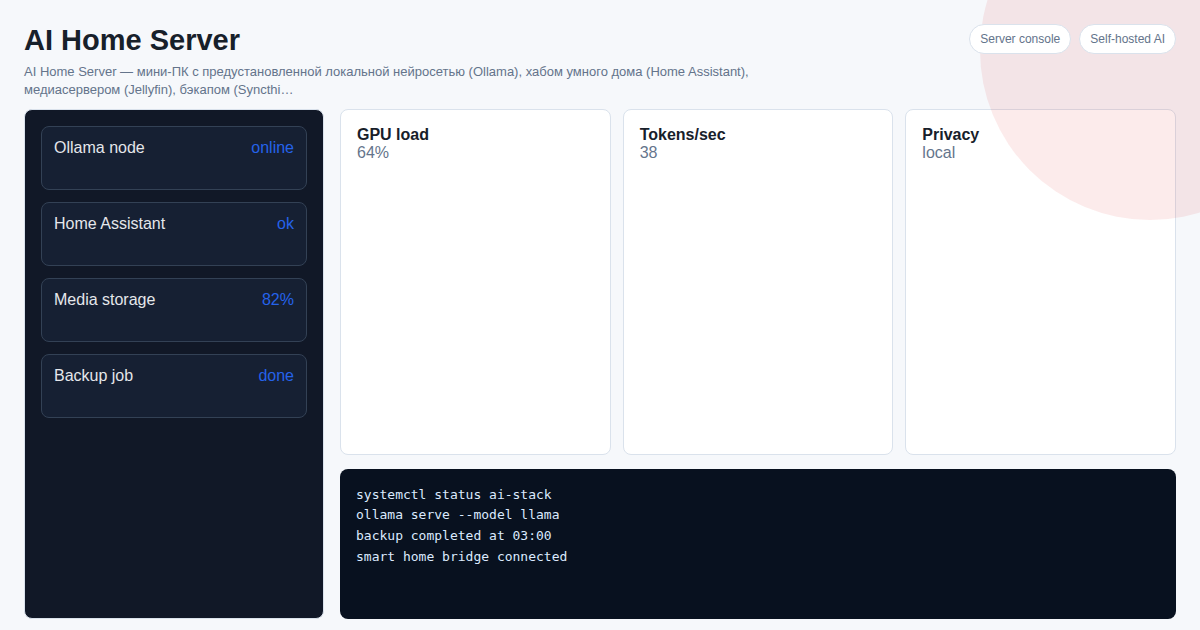
AI Home Server solves exactly this problem: a mini-PC with Ollama pre-installed, a model chosen for your RAM capacity, and a ready-to-use Telegram bot. Plug it in — in 2 minutes a local AI is running in your Telegram. No cloud, no subscriptions, no configuration.
Configurations: - 150 USDT — Intel N100, 8 GB RAM, Phi-4-mini model (fast, everyday tasks) - 300 USDT — Ryzen 5 5600U, 16 GB RAM, Llama 4 8B (optimal speed/quality balance) - 600 USDT — Ryzen AI 9, 32 GB RAM, Qwen 3 14B (GPT-4o level quality)
Support and model updates — 50 USDT/month.
An 18-month ChatGPT Plus subscription costs $360 — and you own nothing at the end. AI Home Server for the same money — yours forever.
Order and get a consultation: t.me/onoutnoxon
See Also
- ChatGPT locally 2026: how to run an analogue without internet
- AI privacy 2026: why run neural networks locally
- Ollama: what it is and how to run a neural network in 5 minutes
- Best local neural networks 2026: TOP-10 models for home PC
- DeepSeek locally: running via Ollama without cloud
FAQ
Is Ollama quality in 2026 really comparable to ChatGPT? For most everyday tasks — yes. Llama 4, DeepSeek V3, and Qwen 3 have come very close to GPT-4o in benchmarks. A gap remains in complex multi-step reasoning and specialized professional tasks. For chat, translation, writing, and document analysis — local models are on par.
How fast does local AI run? Will it be slow? On Intel N100 with 8 GB RAM, Phi-4-mini generates 15–25 tokens/sec — roughly reading speed. On Ryzen 5 with 16 GB, Llama 4 8B produces 20–35 tokens/sec. Speed is comparable to cloud on decent hardware. On a weak PC (4 GB RAM) — noticeably slower.
Can local AI handle confidential business documents? Yes — that is exactly the use case for local AI. Files are processed only on your device with no data transmission. It is the only way to use AI with medical records, legal contracts, and trade secrets without a leak risk.
Does Ollama work without internet after setup? Yes. After the initial model download (4–20 GB depending on size), Ollama is fully autonomous. Works on a plane, at a remote location, with internet off — with no limitations.
How is AI Home Server different from installing Ollama yourself? AI Home Server is a ready-to-use device: Ollama is pre-installed, the model is pre-loaded, and the Telegram bot is configured. You get a working local AI 2 minutes after unboxing. Self-installation takes 2–5 hours for a technically proficient user plus hardware selection, OS installation, and network setup.
Sources
- https://onout.org/local-ai-vs-cloud-ai
- https://developers.google.com/search/docs/fundamentals/creating-helpful-content
- https://developers.google.com/search/docs/essentials/spam-policies
For "Local AI vs Cloud AI 2026: Privacy, Speed, and Cost Compared", AI assistance was used for structure and fact-check prompts; Alexander Ruin, founder of onout.org reviewed the final copy. Updated: 2026-05-01.
About the service "Local AI vs Cloud AI 2026: Privacy, Speed, and Cost Compared"
Local AI (Ollama, LM Studio) vs cloud AI (ChatGPT, Claude, YandexGPT) compared in 2026: privacy, speed, monthly cost, censorship and quality. Find the right choice.