
Home Assistant Setup in 2026: Step-by-Step Guide from A to Z
You installed Home Assistant and now you are staring at an empty dashboard. Where do you add devices? Why is the Zigbee bulb not showing up? How do you make lights turn off when everyone leaves? Most people's first HA session ends after two hours of googling with nothing to show for it — and the mini PC ends up back in a drawer. The whole initial setup actually takes under three hours if you follow the right sequence.
Key takeaways
- This page answers one concrete intent: home assistant setup.
- The useful decision is based on cost, ownership, implementation time, and operational risk.
- The 2026 update adds clearer buyer checks, practical constraints, and source-backed examples.
- Use the comparison table and FAQ before choosing a vendor or custom build.
During rollout planning for ai home server, the recurring issue was not feature quantity but whether a buyer could verify limits, exports, integrations, and ownership before committing.
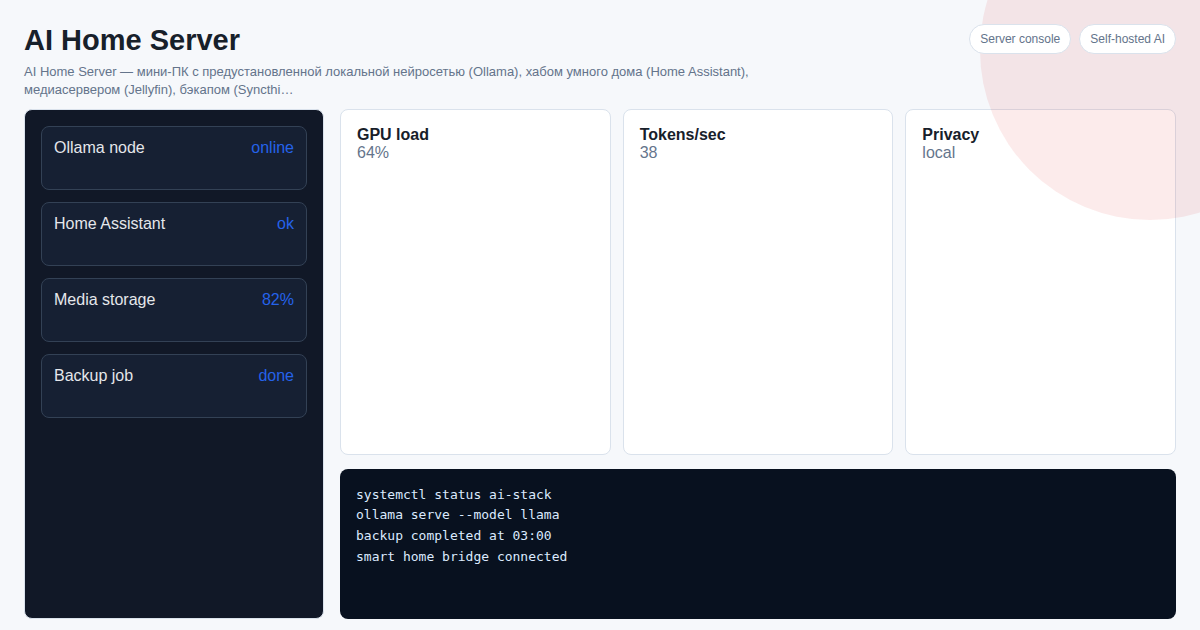
TL;DR: - Home Assistant supports 2,000+ integrations: Zigbee, Z-Wave, Wi-Fi, Tuya, Xiaomi, Yandex Smart Home - ZHA sets up in 5 minutes with no separate broker — just plug in your Zigbee coordinator via USB - Automations are built visually: trigger → condition → action, no coding required - AI Home Server ships with Home Assistant pre-configured — working in 2 minutes
How to Set Up Home Assistant Fast: HAOS vs Docker vs Ready-Made?
Three paths with different learning curves:
| Approach | Time | Zigbee | Remote Access |
|---|---|---|---|
| HAOS | 1–3 h | ZHA | DuckDNS |
| Docker | 3–6 h | Zigbee2MQTT | Nginx + Let's Encrypt |
| AI Home Server | 2 min | Pre-configured | Pre-configured |
HAOS is the recommended path for most users: built-in Supervisor, one-click Add-ons. Docker suits those already running containers. AI Home Server is for those who want results without Linux.
Step-by-Step Home Assistant Setup in 3 Steps
Step 1. Create Your Account and Add First Devices
Open http://homeassistant.local:8123. Create an owner account, set your home name and timezone. Go to Settings → Devices & Services → Add Integration. For Zigbee — search for ZHA, specify your coordinator port (usually /dev/ttyUSB0). HA will auto-discover devices during pairing.
For Tuya: the LocalTuya integration works without cloud and does not depend on Tuya servers. For Xiaomi — the Xiaomi Miot Auto integration covers most devices.
Step 2. Create Your First Automations
Go to Settings → Automations & Scenes. The visual editor works on a simple pattern: trigger + condition + action. Example — "everyone left home": trigger — Home zone is empty; condition — none; action — turn off all lights, close water valves, lower temperature to 65°F. Another popular scenario: motion in hallway after 10 PM → dim night light to 20%.
Step 3. Set Up Remote Access
DuckDNS + Let's Encrypt — free, installed as an Add-on in one click. Setup takes 15–20 minutes. Nabu Casa (HA Cloud) — paid at $65/year, but no router configuration needed. AI Home Server ships with a pre-configured tunnel — remote access works out of the box.
What Else Can AI Home Server Do?
| Service | Purpose |
|---|---|
| Ollama | Local neural network without internet — a ChatGPT equivalent at home |
| Jellyfin | Media server — personal Netflix for movies and music |
| Syncthing | Automatic file sync and backup |
| Telegram Bot | Control smart home and AI through one chat |
Conversation history and diagnostics in Habab Home
In Habab Home builds that include this feature, open History and diagnostics from the sidebar. The page is available to Home Assistant administrators. Filter recorded conversations by time, channel, result, or session ID. A conversation can show saved messages, provider and model, recorded tool calls with their arguments and results, and known errors. The amount of available history is bounded; the page warns when a limit means some older conversations are no longer listed. Native Assist history is not recorded here.
Choose Export selected conversation or set a time range of up to 31 days and select Export period and channel. The ZIP is saved to your device and is not sent anywhere automatically. Audio is excluded. Shared logs for a selected conversation are included only when its time range is known and no longer than 31 days; the manifest explains omissions. These logs may contain records about other users and conversations during the same period, so inspect the archive before sharing it. Missing stages are shown as not recorded, and a model response alone does not prove that Home Assistant completed an action.
See Also
- How to Install Home Assistant in 2026
- Home Assistant + Zigbee: Connecting Devices
- Home Assistant + Tuya: Local Control
Frequently Asked Questions
How do I change the interface language? Settings → General → Language. Takes effect immediately without restart.
Do I need a separate Zigbee coordinator? Yes, for Zigbee devices you need a USB coordinator: Sonoff Zigbee 3.0 Dongle Plus or ConBee II — both work with ZHA and Zigbee2MQTT.
Can I control devices via Yandex Alice? Yes, via the Yandex Smart Home integration. Voice commands work with most devices added to HA.
Do automations require YAML or is there a visual editor? There is a full visual editor. YAML is only needed for advanced scenarios with templates and conditions.
Want to set up a home AI server as a turnkey solution? Project cost — 300 USDT. Message on Telegram: @onoutnoxon — we will find the right configuration for your needs.
Article by onout.org team. Updated: 2026-02-28. Sources: - https://www.home-assistant.io/getting-started/ - https://www.home-assistant.io/integrations/zha/ - https://sprut.ai/article/home-assistant-statya-1-ustanovka
Created with AI tool support for outline and consistency checks; reviewed by Alexander Ruin, founder of onout.org for onout.org. Updated: 2026-05-01.
About the service "Home Assistant Setup in 2026: Step-by-Step Guide from A to Z"
How to set up Home Assistant after installation: Zigbee, automations, remote access. A complete guide and a ready-made out-of-the-box solution.