
Home Media Server 2026: How to Create Your Own Netflix in 15 Minutes
Your family pays $30–50 per month for streaming services — $360–600 per year for content that can disappear from the catalog or get geo-blocked without warning. Over three years that is $1,000+ for files you don't own. A home media server solves both problems: your collection lives on your hardware, streams to any device over your local network with no ads, and never depends on platform decisions.
Key facts
- A home media server streams movies, music and photos to all devices in your home over Wi-Fi
- Jellyfin is a completely free open-source media server that requires no subscription and sells no data
- Plex raised its subscription price by more than double in 2025 and restricted free remote access
- AI Home Server includes pre-installed Jellyfin that works out of the box in 2 minutes — no Linux required
- All data is stored locally — no cloud, no leaks
During rollout planning for ai home server, the recurring issue was not feature quantity but whether a buyer could verify limits, exports, integrations, and ownership before committing.
Comparison: Which Home Media Server to Choose?
| Method | Pros | Cons | Cost |
|---|---|---|---|
| Jellyfin (DIY) | Free, no censorship, 4K transcoding | Requires Linux, 2–4 hours manual setup | $0 + hardware |
| Plex Pass | Polished UI, wide compatibility | Price increased, ads, cloud data | from $5/mo |
| Emby Premiere | Good metadata, parental controls | Paid features, closed source | ~$120 lifetime |
| AI Home Server | Plug-and-play in 2 minutes, no setup | Requires device purchase | $50/mo |
How to Launch a Home Media Server in 3 Steps?
The fastest way to get a working media server is a turnkey solution with pre-installed software. But if you want to build it yourself, here is the basic path.
Step 1. Install Jellyfin on Linux
Download the package from jellyfin.org for your distribution. On Ubuntu: apt install jellyfin. After installation Jellyfin runs as a system service at http://IP:8096.
Step 2. Add a Media Library and Set Up a Client
In the web interface, add your movies or music folder. Jellyfin automatically downloads posters, descriptions and subtitles. Install the Jellyfin app on your Smart TV, smartphone, or Apple TV.
Step 3. Or Connect an AI Home Server
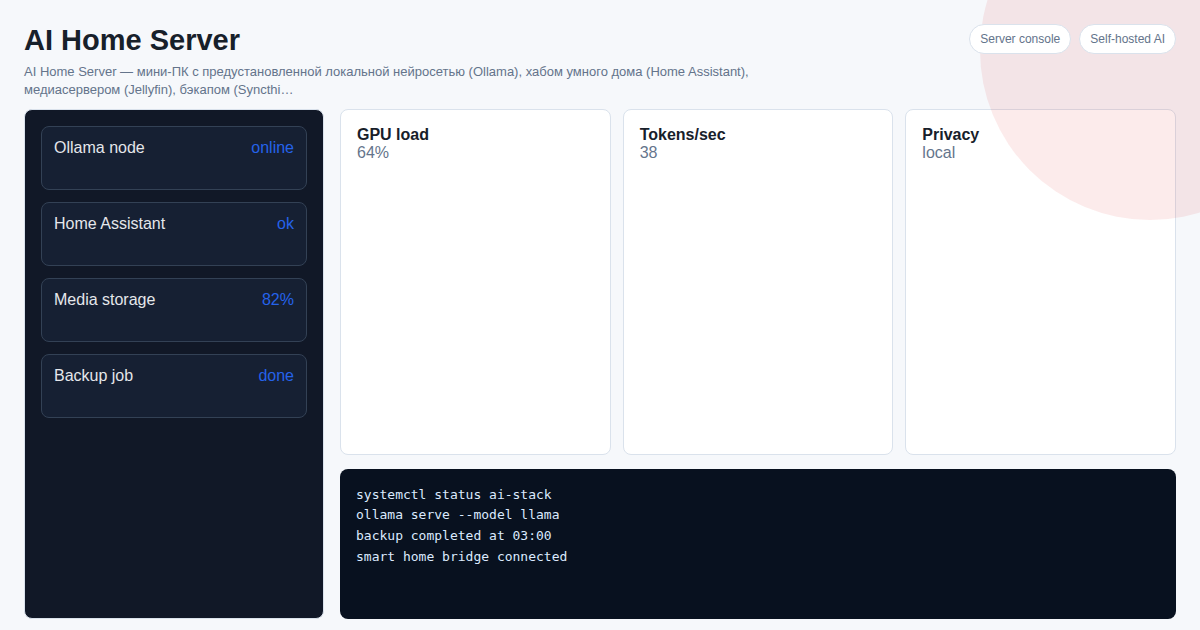
AI Home Server — a mini PC with pre-installed Jellyfin. Plug into power and router — in 2 minutes open the browser, add your movie folder, watch on TV. No Linux, no terminal.
What Else Can AI Home Server Do?
| Feature | What It Does |
|---|---|
| Local AI (Ollama) | Private AI assistant without internet and without censorship |
| Home Assistant | Unified smart home hub: Zigbee, Tuya, Xiaomi, Yandex Alice |
| Syncthing | Automatic file backup between devices |
| Telegram Bot | Manage all services via one chat |
See Also
- How to Build a Home Server in 2026
- Run AI Locally on Your Computer in 2026
- How to Install Home Assistant in 2026
Frequently Asked Questions
Which media server is best in 2026? For maximum privacy and zero cost — Jellyfin. If you don't want to deal with Linux and configuration, AI Home Server includes Jellyfin pre-installed.
Can I watch 4K video through a home media server? Yes. Jellyfin supports 4K and HDR transcoding on the fly. AI Home Server in the Optimal configuration (Ryzen 5, 16 GB RAM) handles two simultaneous 4K streams.
Do I need internet for a home media server? No. The media server works within the local network. Internet is only needed for downloading metadata (posters, descriptions) and remote access outside your home.
How is a home media server better than streaming services? No monthly content subscription, no ads, content never disappears from the catalog, full privacy — your data is not shared with third parties.
Want to set up a home AI server as a turnkey solution? Project cost — 300 USDT. Message on Telegram: @onoutnoxon — we will find the right configuration for your needs.
Article prepared by the AI Home Server Team. Updated: 2026-03-05.
Sources: - https://club.dns-shop.ru/blog/t-98-drugie-kompyuteryi/40054-kak-sobrat-i-nastroit-domashnii-mediaserver/ - https://journal.citilink.ru/articles/sobiraem-domashnij-mediaserver-iz-starogo-pk-na-linux/ - https://www.xda-developers.com/jellyfin-is-90-of-plex-and-the-missing-10-doesnt-matter-to-me/ - https://www.rapidseedbox.com/blog/home-media-server - https://www.videosdk.live/developer-hub/media-server/best-media-server
The article "Home Media Server 2026: How to Create Your Own Netflix in 15 Minutes" is AI-assisted and reviewed by Alexander Ruin, founder of onout.org. Updated: 2026-05-01.
About the service "Home Media Server 2026: How to Create Your Own Netflix in 15 Minutes"
Home media server in 2026: comparison of Jellyfin, Plex, Emby and the AI Home Server turnkey solution. Setup without a programmer — 50 USDT/month.