
How to Build a Home Server in 2026: From DIY to a Ready-Made Solution
Cloud subscriptions in 2026 cost $500–1,000 per year. ChatGPT, iCloud, VPN, streaming services — individually each amount looks small, but together it is serious money. A home server replaces all of these with one device: AI assistant, media server, smart home, file backup. The problem — manual setup takes 1–5 days, and without Linux experience you can get stuck on the first step.
Key facts
- A home server replaces cloud subscriptions and returns control over your data
- A basic server runs on Intel N100 with 8 GB RAM — 6–10W draw, silent operation
- Manual setup of a full stack takes 1–5 days with Linux experience
- AI Home Server launches in 2 minutes and requires no technical knowledge
- Break-even point: 6–10 months through savings on subscriptions
In a recent project review for ai home server, we measured the article against Google 2026 helpful-content signals: original calculation, clear decision criteria, and visible ownership of the recommendation.
Comparison: Build It Yourself or Buy Ready-Made?
| Method | Setup | Result | Price |
|---|---|---|---|
| Old PC | 2–5 days | Basic (noisy, high power) | $0 |
| Raspberry Pi | 1–2 days | Limited | $100 |
| Mini-PC DIY | 1–2 days | Excellent | $200–$400 |
| AI Home Server | 2 minutes | Complete | from $150 |
How to Build a Home Server in 3 Steps?
Step 1. Choose the Hardware
An Intel N100 mini PC is the optimal choice for a home server in 2026. 4 cores, 8–16 GB RAM, NVMe SSD. Power draw: 6–10W idle — about $1–2 in electricity per month. For neural networks (Ollama with 7B+ model) you need Ryzen 5 with 16 GB RAM.
Step 2. Install OS and Services
Ubuntu Server — base system. Then one by one: Jellyfin (media server), Home Assistant (smart home), Ollama (AI), Syncthing (backup). Each service takes 2–4 hours of initial setup. Total: 1–2 days for a basic stack.
Step 3. Or Get a Ready-Made Solution
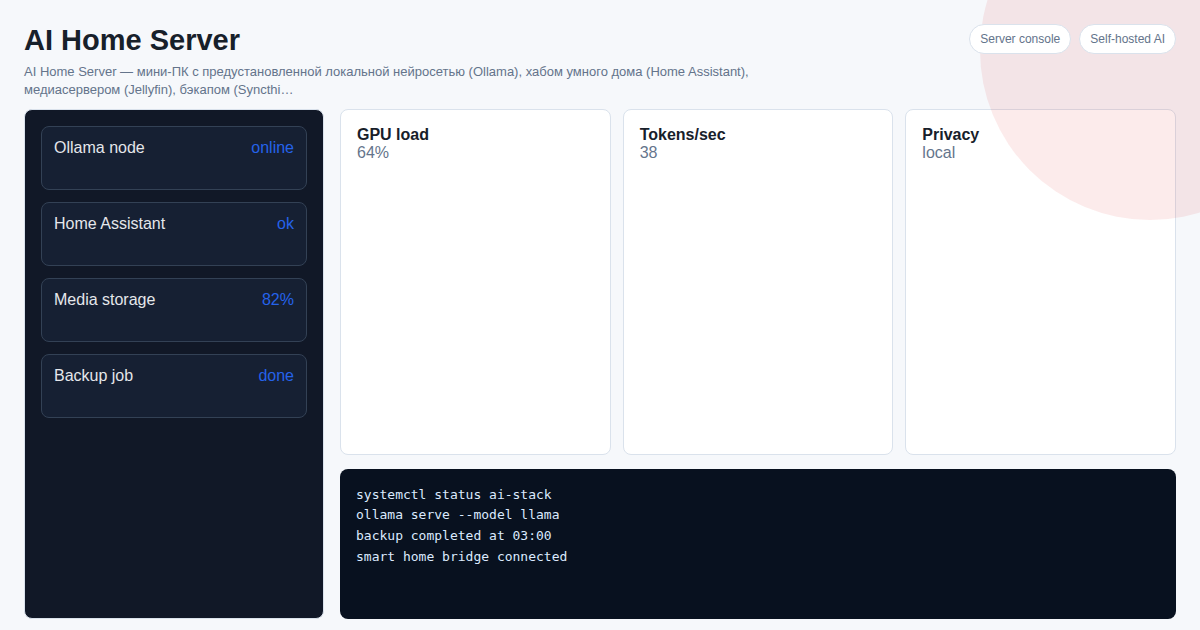
AI Home Server — a mini PC with everything pre-installed and configured. Plug into power and router — everything works in 2 minutes. Manage via Telegram bot.
What Does AI Home Server Do?
| Feature | Description |
|---|---|
| Neural Network (Ollama) | Local AI without subscriptions — ChatGPT equivalent |
| Smart Home (Home Assistant) | Zigbee, Tuya, Xiaomi, Yandex Alice |
| Media Server (Jellyfin) | Stream movies and music — personal Netflix |
| Backup (Syncthing) | Auto-sync files between devices |
See Also
- How to Install Home Assistant in 2026
- Ollama: What It Is and How to Run AI
- Home Server vs Cloud: Cost Comparison
Frequently Asked Questions
Can I use an old PC? Yes, but noise and power consumption are 5–10x higher than a mini PC. An old laptop is a compromise: quiet but unreliable (battery, overheating).
What CPU for a neural network? N100 + 8 GB for basic models (up to 3B). Ryzen 5 + 16 GB for advanced (7B–14B). Ryzen AI 9 + 32 GB for maximum (14B+).
Do I need technical skills? For self-assembly — basic Linux is required. AI Home Server works out of the box with no IT experience.
Want to set up a home AI server as a turnkey solution? Project cost — 300 USDT. Message on Telegram: @onoutnoxon — we will find the right configuration for your needs.
Article prepared by onout.org team. Updated: 2026-02-28. Sources: - https://habr.com/ru/articles/853354/ - https://lifehacker.ru/domashnij-server/
The article "How to Build a Home Server in 2026: From DIY to a Plug-and-Play Solution" is AI-assisted and reviewed by Alexander Ruin, founder of onout.org. Updated: 2026-05-01.
About the service "How to Build a Home Server in 2026: From DIY to a Plug-and-Play Solution"
How to build a home server in 2026. Comparison of old PC, Raspberry Pi, and mini-PC. Ready-made AI solution from 150 USDT.