
Home Assistant and Yandex Alice 2026: Voice Control for Your Smart Home
Alice can turn on a lamp, but she cannot see your Zigbee sensors. Home Assistant manages 2,000+ devices, but it does not understand voice without integration. Separately they work at half power — you pay for two disconnected tools instead of one smart home. Setting up the integration takes 2–4 hours in YAML and HACS, and every HA update can break it again. But the result is worth it: "Alice, turn on movie mode" — lights dim, curtains close, TV turns on.
Key facts
- Integration works via the Yandex Smart Home component — HA devices become visible to Alice
- Yaha Cloud gateway eliminates the need for a static IP or port forwarding
- YandexStation component (AlexxIT) enables feedback: notifications to the speaker, TTS, playback control
- Voice scenarios supported: "turn on movie mode", "turn off everything", "what is the temperature?"
- The skill is tied to a single Yandex account — delegation to other users is not available
In our experience auditing the page "Home Assistant and Yandex Alice 2026: Voice Control for Your Smart Home", the useful angle is not another generic platform list, but the operating decision: costs, data export, access rules, and support workload for ai home server.
Two Integration Methods: What Is the Difference?
In 2026, there are two components to link Home Assistant with Alice. They solve different tasks and are often used together.
| Component | Direction | What It Does | Installation |
|---|---|---|---|
| Yandex Smart Home | HA → Alice | Voice control of HA devices via Alice | HACS or manual |
| YandexStation (AlexxIT) | Alice → HA | Control the speaker from HA, TTS notifications, voice command events | HACS |
Yandex Smart Home is the primary component. It exposes Home Assistant devices to the Yandex ecosystem. After setup you say: "Alice, turn on the hallway light at 50%" — and HA executes the command.
YandexStation works in reverse: Home Assistant gains control over the speaker. Send voice notifications ("The door is open") and control music playback from automations.
How to Connect Alice to Home Assistant via Yaha Cloud?
Yaha Cloud is a gateway that eliminates the need for a static IP address or DuckDNS configuration.
Step 1. Install the Component
Open HACS in Home Assistant, find Yandex Smart Home and install it. Restart HA. Alternatively, manually copy files to custom_components/yandex_smart_home.
Step 2. Link the Skill
In the Yandex Home mobile app, tap + → Smart home device → select Yaha Cloud → Link to Yandex. Authorize and wait for device discovery.
Step 3. Configure Filters and Rooms
By default, all HA entities become visible to Alice. Restrict the list via include_domains (light, switch, climate) or specific include_entities. Assign rooms — Alice will understand "turn on the kitchen light."
What Can You Do with Voice After Setup?
| Command | What Happens |
|---|---|
| "Alice, turn on the bedroom light" | HA activates light.bedroom |
| "Alice, set temperature to 22 degrees" | HA sends command to the climate device |
| "Alice, turn on movie mode" | Scenario: lights dim, curtains close, TV turns on |
| "Alice, what is the temperature sensor reading?" | Alice announces the sensor value |
Ready-Made Solution: AI Home Server
Setting up Yandex Smart Home, YandexStation, Zigbee coordinator and filters takes 2–4 hours for an experienced user. If you prefer not to deal with HACS and YAML — there is a ready-made solution.
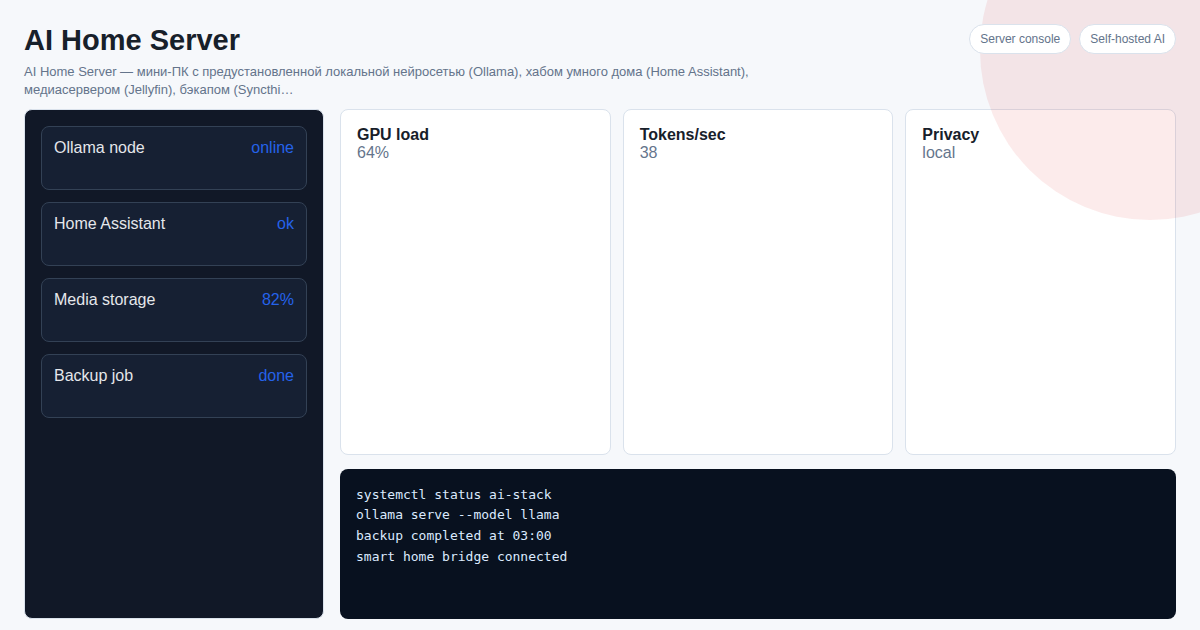
AI Home Server is a mini PC with Home Assistant, Alice integration, a local neural network (Ollama) and a media server (Jellyfin) pre-installed and configured. Plug it into power and your router — everything works in 2 minutes.
See Also
FAQ
Do I need a Yandex Station to control via Alice? No. Alice works in the Yandex mobile app, on tablets and in the browser. A Station is needed for hands-free voice control and TTS notifications.
Does voice control work without internet? No. Alice processes voice in the Yandex cloud, so internet is required. Local Home Assistant automations (Zigbee, Z-Wave) work offline.
Can I give access to other family members? The skill is tied to one Yandex account. Anyone authorized under that account on their devices will have access to control.
Want to set up a home AI server as a turnkey solution? Project cost — 300 USDT. Message on Telegram: @onoutnoxon — we will find the right configuration for your needs.
Article by AI Home Server Team. Updated: 2026-03-05.
Sources: - https://github.com/AlexxIT/YandexStation - https://docs.yaha-cloud.ru - https://blog.iot7m.ru/home-assistant-alice-yandex-smart-home-and-yandex-station/ - https://blog.iot7m.ru/yandex-smart-home-home-assistant-alice-control/ - https://dialogs.yandex.ru/store/skills/cef326b2-home-assistant
The article "Home Assistant and Yandex Alice 2026: Voice Control for Your Smart Home" is AI-assisted and reviewed by Alexander Ruin, founder of onout.org. Updated: 2026-05-01.
About the service "Home Assistant and Yandex Alice 2026: Voice Control for Your Smart Home"
How to connect Yandex Alice to Home Assistant in 2026: Yandex Smart Home, Yaha Cloud, voice scenarios. Ready-made server setup in 2 minutes.