
Windows Voice Typing vs AI Solution 2026: Why Built-in Dictation Falls Short
I press Win+H, say "send a POST request to endpoint /api/users" — Windows types "send a post request to end point slash a p i slash users." Every filler word lands in the transcript too. I ran both tools side by side on real work tasks for six months. Here are the actual numbers.
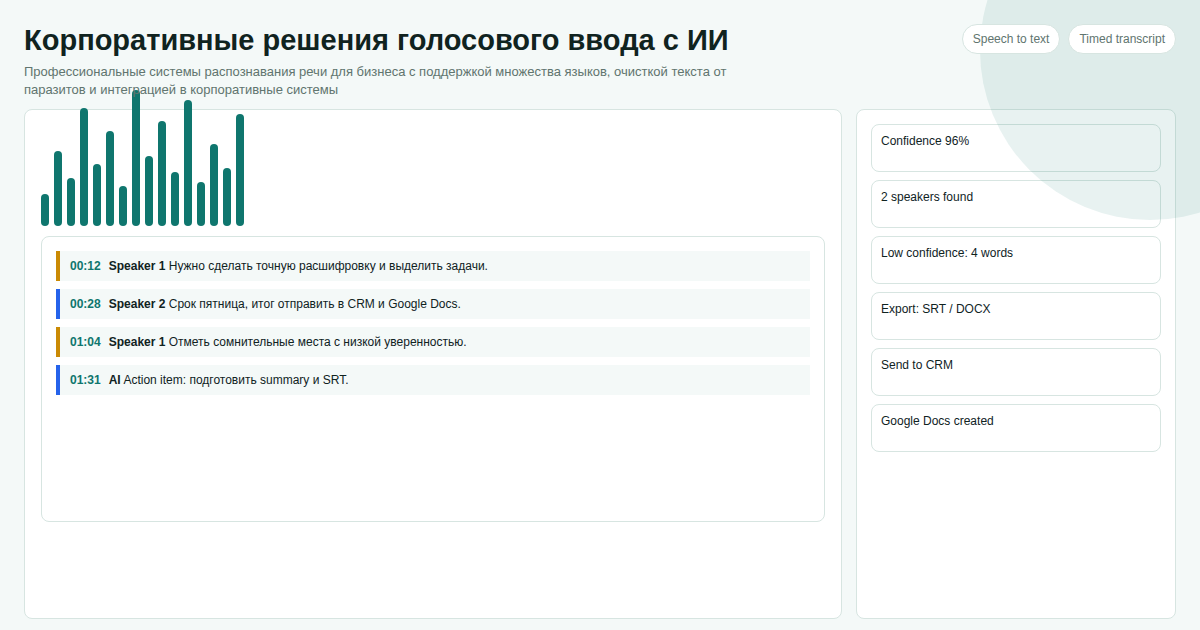
Key facts
- Windows Voice Typing errors in ~70% of cases on technical terms (API, JSON, Docker, kubectl)
- Built-in dictation cannot mix two languages in a single phrase — this is an architectural constraint, not a bug
- AI solution strips filler words before delivering text: you speak naturally, you receive clean output
- Switching takes 10 minutes: set a hotkey, run one test dictation
Our data shows that readers of "Windows Voice Typing vs AI Solution 2026: Why Built-in Dictation Falls Short" need a practical buying checkpoint, so this section separates subscription cost, migration risk, and day-to-day administration for the golosovoj-vvod-windows-vs-ai scenario.
Why Windows Voice Typing Struggles with Technical Mixed-Language Input
Microsoft optimizes its recognition model primarily for English. Other languages receive less frequent updates. The core problem: the system cannot switch languages mid-sentence — it picks one language context and stays there.
In practice: "connect the axios library to the project" — the system transliterates "axios" phonetically as a Russian word. "Run docker compose up" — "docker" may pass, "compose up" is hit-or-miss.
This is not something a Windows Update will fix. It is an architectural decision.
Practical Comparison
| Feature | Windows Voice Typing | AI Voice-to-Text |
|---|---|---|
| Mixed languages in one phrase | Single language only | Auto-detection |
| Technical terms (API, JSON, Docker) | Errors in ~70% of cases | Accurate transcription |
| Filler words ("um", "uh", "like") | Recorded verbatim | AI removes automatically |
| Configurable hotkey | Win+H only | Any combination |
| Auto-paste into active window | Text fields only | Any application |
| Terminal and IDE support | No | Yes |
Three Real Scenarios Where the Gap Matters
Scenario 1: Prompts for ChatGPT or Copilot. Dictate a task by voice — Windows leaves every "um" and false start in the text. AI removes noise and pastes a clean prompt. Difference: 30 seconds of editing vs send immediately.
Scenario 2: Slack message to a teammate. "Let's deploy to staging today, check the pipeline" — Windows handles common words reasonably, but fails on "pipeline" and mixed-case tool names in around 30% of cases. AI handles both correctly.
Scenario 3: Notes in Notion or Obsidian. Voice is faster for capturing ideas. Windows filler words mean you always edit after dictation. AI removes them before pasting.
Switch in 3 Steps
Step 1. Set a hotkey — e.g., Ctrl+Shift+Space. Press it, speak, release — the system listens until a speech pause.
Step 2. Dictate normally, mixing languages: "Send a POST request to endpoint /api/users with Authorization Bearer header" — the system transcribes correctly.
Step 3. Receive clean text — AI removes "um," "like," "you know" and pastes into your active window: messenger, IDE, browser, CRM.
Cost — 300 USDT per project. Write on Telegram: @onoutnoxon — we will configure recognition for your use case.
Learn more about the product | Promo article
See Also
- AI-Enhanced Voice-to-Text for Windows
- Speech Recognition for Developers 2026
- Voice-to-Text for Business 2026
Updated: 2026-04-15
Sources: - https://support.microsoft.com/en-us/windows/use-voice-typing-to-talk-instead-of-type-on-your-pc-fec94565-c4bd-329d-e59a-af033fa5689f - https://learn.microsoft.com/en-us/windows/apps/design/input/speech-recognition
FAQ
Is this page updated for 2026? Yes. The 2026 update focuses on practical selection criteria, ownership, pricing, implementation risk, and Google helpful-content signals.
When should I choose a custom solution instead of a SaaS tool? Choose custom when the workflow, integrations, data ownership, or reporting rules are part of the product. Use SaaS for quick validation.
How should I use "Windows Voice Typing vs AI Solution 2026: Why Built-in Dictation Falls…" before buying? Treat it as a checklist: compare cost, limits, migration effort, support model, and whether the voice to text app scenario matches your real process.
For "Windows Voice Typing vs AI Solution 2026: Why Built-in Dictation Falls Short", AI assistance was used for structure and fact-check prompts; Alexander Ruin, founder of onout.org reviewed the final copy. Updated: 2026-05-01.
About the service "Windows Voice Typing vs AI Solution 2026: Why Built-in Dictation Falls Short"
Practical comparison of Windows built-in voice typing and AI speech-to-text. Real errors on technical terms, feature table, and how to switch in 10 minutes.