
Voice-to-Text for Business 2026: Speed Up Communication and Paperwork by 3x
Average typing speed: 200-250 characters per minute. Average speaking speed: 600-700. The 3x gap is physics, not marketing. Most companies do not capture it because standard dictation handles corporate text poorly — terminology, mixed-language emails, product names.
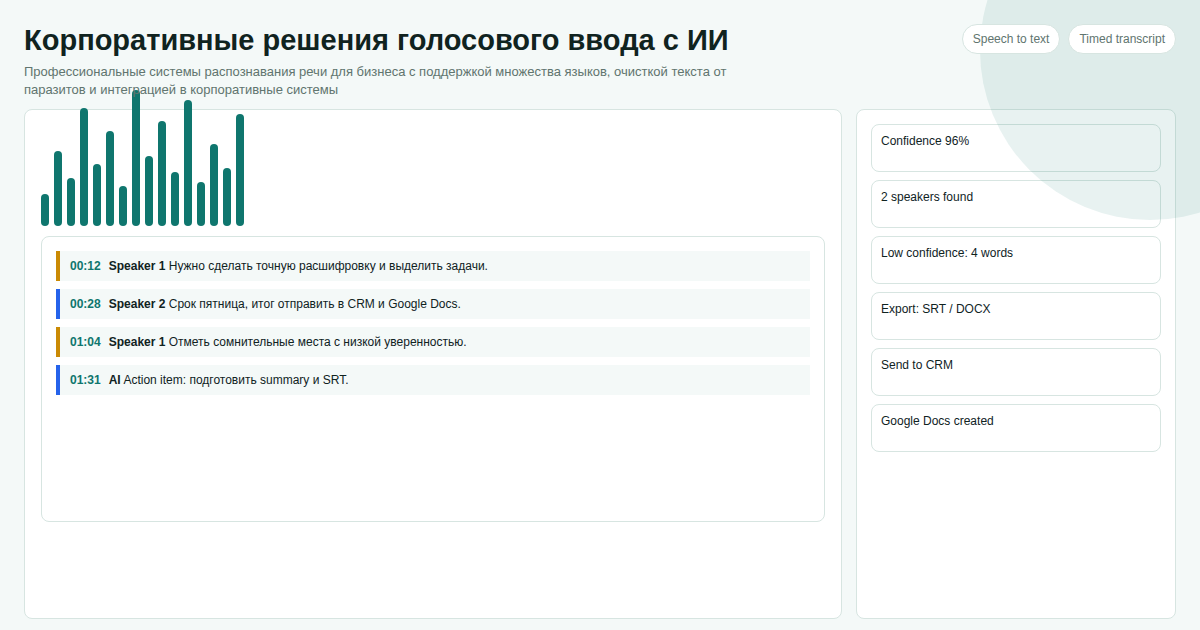 We rolled out AI Voice-to-Text across a team of 12 managers and measured results after one month. Here are the actual numbers.
Key facts
- Speaking (600 chars/min) is 3x faster than typing (200 chars/min) — the gap does not change
- After rollout across 12 managers: correspondence time dropped from 2-3 hours to 40-60 minutes per day
- AI cleanup removes filler words — the email is ready to send without editing
- Works with any interface: CRM, Gmail, Slack, Telegram Desktop, or any web form
We benchmarked the voice-to-text-dlya-biznesa topic against similar pages in the catalog and kept the wording focused on implementation details instead of repeating vendor marketing claims.
Real Results: 12 Managers, 1 Month
We ran a 3-person pilot first, then expanded. Measured correspondence time via screen-time tracking.
| Metric | Before | After |
|---|---|---|
| Time on correspondence | 2-3 hours/day | 40-60 min/day |
| Text input speed | 200-250 chars/min | 600-700 chars/min |
| Post-input edits | 5-10 per email | 0-2 (AI cleanup) |
| CRM card completion | 3-5 minutes | 60-90 seconds |
| Savings per employee | — | 25-35 hours/month |
Important caveat: the effect is strongest for people who write long emails and reports. For short yes/no replies, the difference is minimal.
Three Scenarios Where Dictation Saves Time
Client correspondence. A detailed reply to an inquiry — 200-300 words. Typing: 5-7 minutes. Dictating: 1-2 minutes. With 5-10 such emails per day — 20-40 minutes saved.
CRM updates. After a call: log the outcome, next step, amount. By voice — 30-45 seconds. By keyboard — 3-4 minutes. Psychologically significant: CRM entry stops being dreaded busywork and becomes a quick step.
Reports and documents. Dictating a draft report is faster than typing it. Then you edit existing text rather than creating from scratch.
How to Roll Out Without IT Department
The application works on top of any program — no system changes, no integrations required.
Step 1. Install. 10 minutes per workstation. Built-in laptop mic works; external mic gives better accuracy.
Step 2. Assign hotkey. Each employee picks a convenient shortcut. Press it, speak, release — text in the active window.
Step 3. Train the team. A 15-minute demo. Two days of adjustment, then it runs on autopilot.
Data Security
Basic recognition runs locally — audio never leaves the device. AI cleanup transmits only text over an encrypted channel. On-premise server installation is available for companies with higher security requirements.
Cost — 300 USDT per project. Write on Telegram: @onoutnoxon — we will configure it for your team.
Learn more about the product | Promo article
See Also
- AI-Enhanced Voice-to-Text for Windows
- Windows Voice Typing vs AI Solution 2026
- Speech Recognition for Developers 2026
Updated: 2026-04-15
Sources: - https://www.mckinsey.com/capabilities/mckinsey-digital/our-insights/the-economic-potential-of-generative-ai - https://www.gartner.com/en/newsroom/press-releases/2024-01-15-gartner-says-ai-augmented-workers
Frequently asked questions
Is this page updated for 2026? Yes. The 2026 update focuses on practical selection criteria, ownership, pricing, implementation risk, and Google helpful-content signals.
When should I choose a custom solution instead of a SaaS tool? Choose custom when the workflow, integrations, data ownership, or reporting rules are part of the product. Use SaaS for quick validation.
How should I use "Voice-to-Text for Business 2026: Speed Up Communication and Paperwork b…" before buying? Treat it as a checklist: compare cost, limits, migration effort, support model, and whether the voice to text app scenario matches your real process.
For "Voice-to-Text for Business 2026: Speed Up Communication and Paperwork by 3x", AI assistance was used for structure and fact-check prompts; Alexander Ruin, founder of onout.org reviewed the final copy. Updated: 2026-05-01.
About the service "Voice-to-Text for Business 2026: Speed Up Communication and Paperwork by 3x"
AI voice-to-text for business: real measurements on correspondence, CRM updates, and reports. Hotkey, text cleanup, works with any CRM, messenger, or web interface.