
Speech Recognition for Developers 2026: Dictate Code Comments and Prompts Hands-Free
I have used AI dictation daily for six months — primarily for ChatGPT and Copilot prompts, code comments, and Jira tickets. Based on personal measurements, it saves around 30-40 minutes a day across teams of 4-8 developers. But there are important boundaries: here is where it works and where it does not.
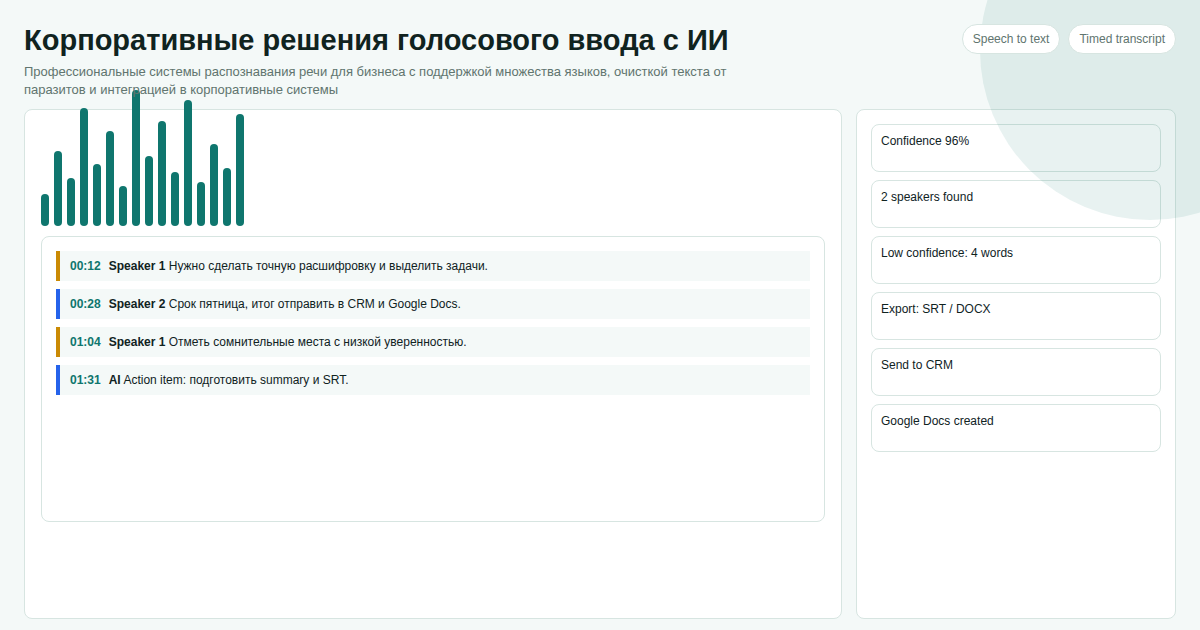
Key facts
- AI dictation accurately recognizes: React, FastAPI, PostgreSQL, Kubernetes, kubectl, Docker, endpoint
- One phrase mixing languages — no manual language switching
- Filler words are removed before insertion: Copilot gets a cleaner, shorter prompt
- For code syntax (brackets, operators) dictation does not help — it is built for human-language text only
We benchmarked the raspoznavanie-rechi-dlya-programmistov topic against similar pages in the catalog and kept the wording focused on implementation details instead of repeating vendor marketing claims.
What Actually Works and What Does Not
The core distinction: AI dictation is optimized for natural speech. That means comments, documentation, prompts, chat messages, ticket descriptions. Code syntax — brackets, indentation, semicolons — is not what voice is for.
| Task | Voice works | Keyboard is better |
|---|---|---|
| Prompt for ChatGPT / Copilot | Yes | — |
| Commit message | Yes | — |
| Jira/Linear ticket description | Yes | — |
| README and documentation | Yes | — |
| Python/JS function body | — | Yes |
| SQL query with syntax | — | Yes |
| Technical terms inside natural text | Yes | — |
Three Scenarios with Real Timings
AI assistant prompts. Typing "write a function that takes an array of User objects and returns a Map where the key is department" takes about 45 seconds. By voice — 8 seconds, AI removes filler, pastes into ChatGPT. Net saving per prompt: 30-35 seconds. Ten prompts a day: ~5 minutes. Multiply by the team size.
Code review comments. Voice comment: "add error handling here for when the API returns 429, use exponential backoff with three retries" — 6 seconds. Typed — 25-30 seconds. Especially noticeable on PRs with 15+ comment threads.
Slack / Telegram team messages. Explaining a task by voice when your hands are in the middle of debugging is a normal situation. Instead of switching to the keyboard, just dictate.
Which Technical Terms Are Recognized Accurately
The specialized language model has a technical vocabulary. Tested personally:
- Frameworks: React, Vue, Next.js, FastAPI, Django, Flask, Spring
- Infrastructure: Docker, Kubernetes, kubectl, nginx, Redis, PostgreSQL
- Tools: VS Code, JetBrains, Copilot, CI/CD, GitHub Actions
- Patterns: REST API, endpoint, middleware, repository, singleton
- Mixed phrases: "the getUserById method takes a string and returns Promise User or null" — recognized correctly
Limitations Worth Knowing
- Internet connection required for AI text cleanup
- Code syntax (brackets, operators) is awkward — this is not what voice input is for
- Accuracy drops in noisy environments — a decent microphone or headset with mic matters
- 1-3 second delay after speech ends before text is pasted
Cost — 300 USDT per project. Write on Telegram: @onoutnoxon — we will configure recognition for your use case.
Learn more about the product | Promo article
See Also
- AI-Enhanced Voice-to-Text for Windows
- Windows Voice Typing vs AI Solution 2026
- Voice-to-Text for Business 2026
Updated: 2026-04-15
Sources: - https://survey.stackoverflow.co/2024/technology - https://code.visualstudio.com/docs/editor/accessibility#_voice-support
Frequently asked questions
Is this page updated for 2026? Yes. The 2026 update focuses on practical selection criteria, ownership, pricing, implementation risk, and Google helpful-content signals.
When should I choose a custom solution instead of a SaaS tool? Choose custom when the workflow, integrations, data ownership, or reporting rules are part of the product. Use SaaS for quick validation.
How should I use "Speech Recognition for Developers 2026: Dictate Code Comments and Promp…" before buying? Treat it as a checklist: compare cost, limits, migration effort, support model, and whether the voice to text app scenario matches your real process.
For "Speech Recognition for Developers 2026: Dictate Code Comments and Prompts Hands-Free", AI assistance was used for structure and fact-check prompts; Alexander Ruin, founder of onout.org reviewed the final copy. Updated: 2026-05-01.
About the service "Speech Recognition for Developers 2026: Dictate Code Comments and Prompts Hands-Free"
AI voice input for developers in practice: dictating AI assistant prompts, code comments, and documentation. Real timings and which technical terms are recognized accurately.